
About the Hash Generator (MD5, SHA-256)
Hash Generator (MD5, SHA-256) is a free browser-based developer tool from Convertify. Generate MD5, SHA-1, SHA-256, SHA-384 and SHA-512 hashes of any text instantly, to verify file integrity or check a checksum. Everything runs instantly with no file upload, no account, and no usage limit.
Frequently Asked Questions
Is MD5 still safe to use?
Not for security purposes like password storage — MD5 is considered cryptographically broken. It's still fine for non-security uses like checking if two files are identical or generating a quick cache key.
Which hash should I use to verify a file checksum?
Use whichever algorithm the file's publisher provided alongside their download — most modern software publishes SHA-256, with MD5 still common on older or unmaintained projects.
Does this hash my exact file, or just text I type?
This tool hashes the text you type or paste, not a file's raw bytes — for verifying a downloaded file's checksum, you'd need a tool that hashes the binary contents directly.
Is anything sent to a server?
No — every hash (MD5 via a small bundled library, SHA-1/256/384/512 via your browser's built-in Web Crypto API) is computed entirely client-side.
Related Tools
More From the Blog
How to Fix WebP Compatibility and Software Import Issues
Struggling with unsupported next-gen web images? Learn how to convert WebP to JPG safely inside your browser without risking your data privacy.
How to Restore High-Fidelity Details to Web Graphics
Need to edit a compressed web file in local software suites? Learn how to convert WebP to PNG privately to unlock full multi-layer editing control.
How to Fix Data Exposure Risks via Selective Page Extraction
Sharing massive multi-page documents can accidentally leak secure data. Read how to utilize split PDF pages safely to distribute targeted information sections.
How to Correct Scrambled Multi-Page Sequences and Layout Flows
Misplaced appendices or upside-down pages ruining your proposals? Learn how to reorder PDF pages visually without needing heavy software installations.
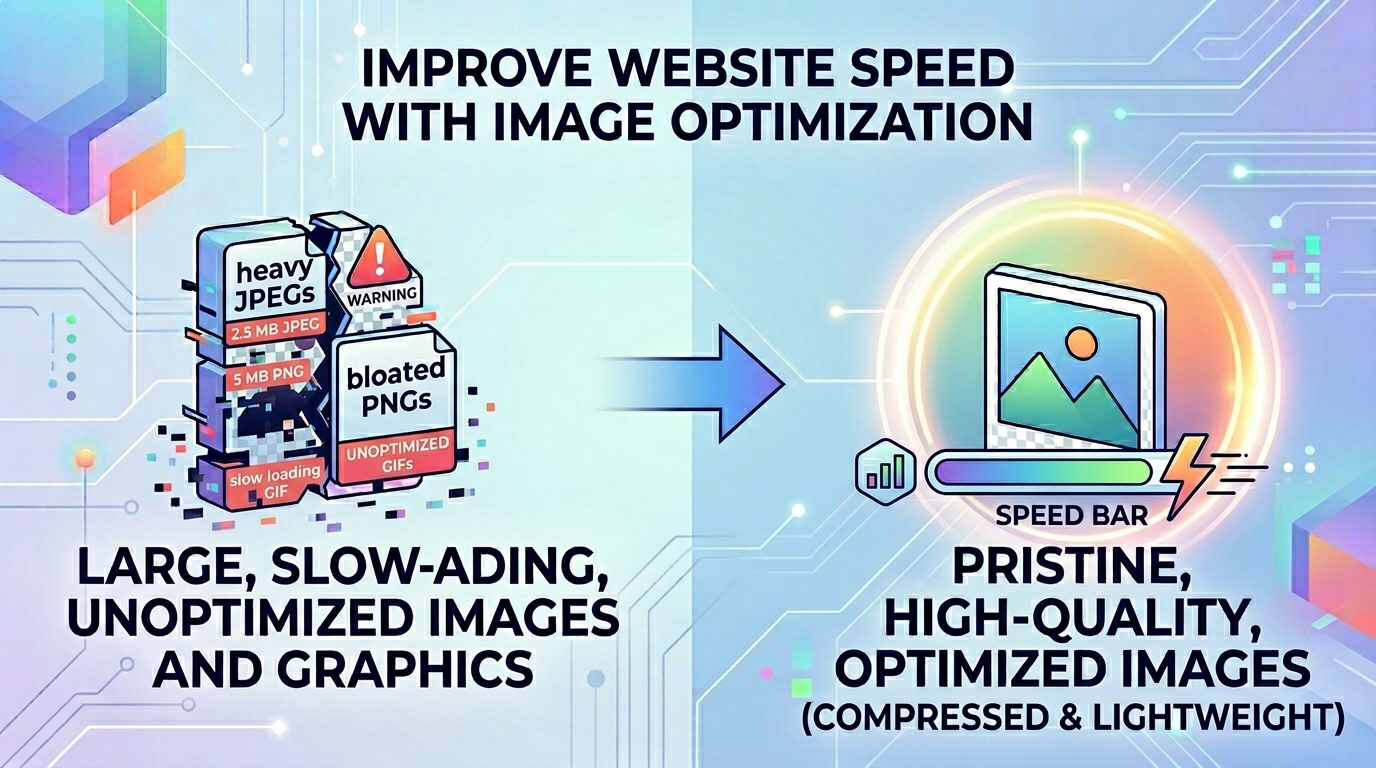
How to Improve Website Speed with Image Optimization
Large legacy images slowing down your website? Read our guide on how to safely convert JPG to WebP locally to optimize your page load speeds.
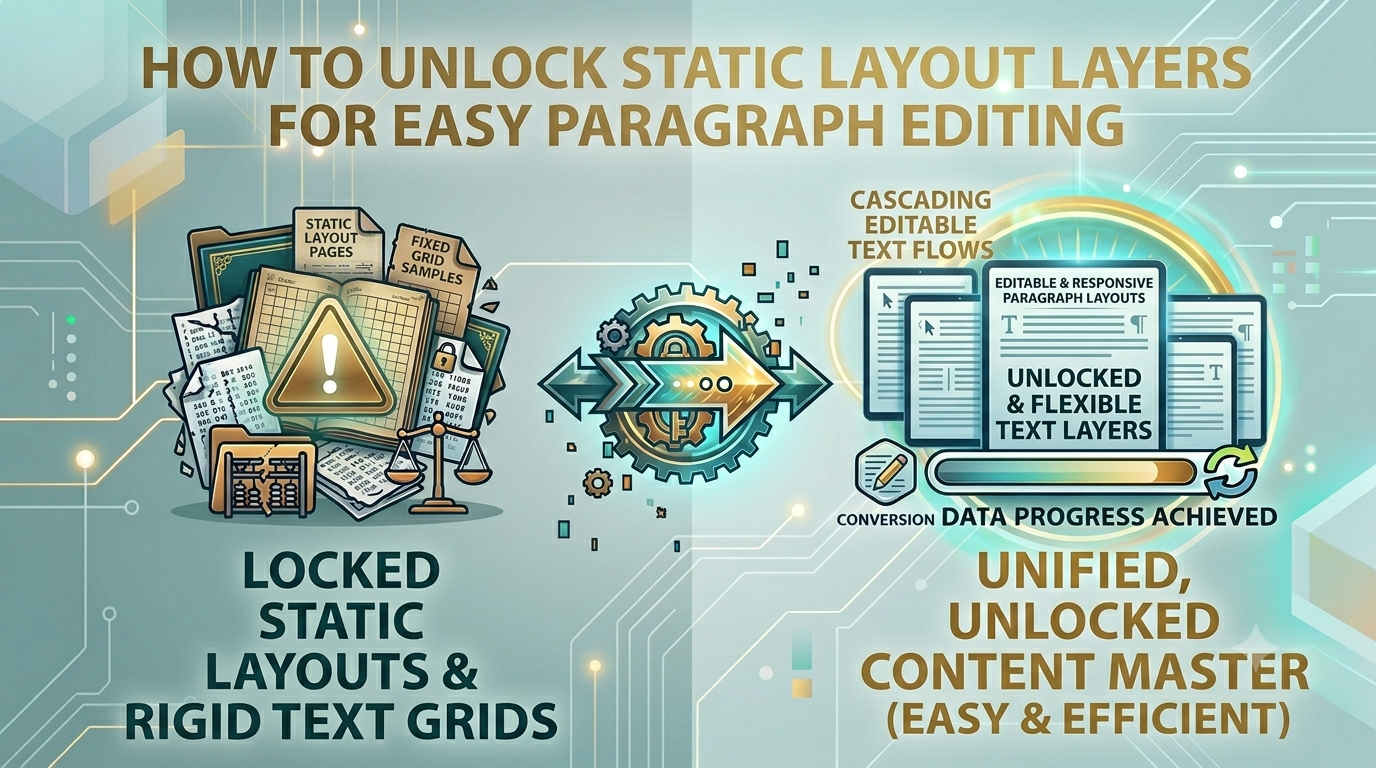
How to Unlock Static Layout Layers for Easy Paragraph Editing
Tired of broken layouts and messy copy-pasting workarounds? Read how to run high-fidelity PDF to Word text extractions safely inside your local web browser.
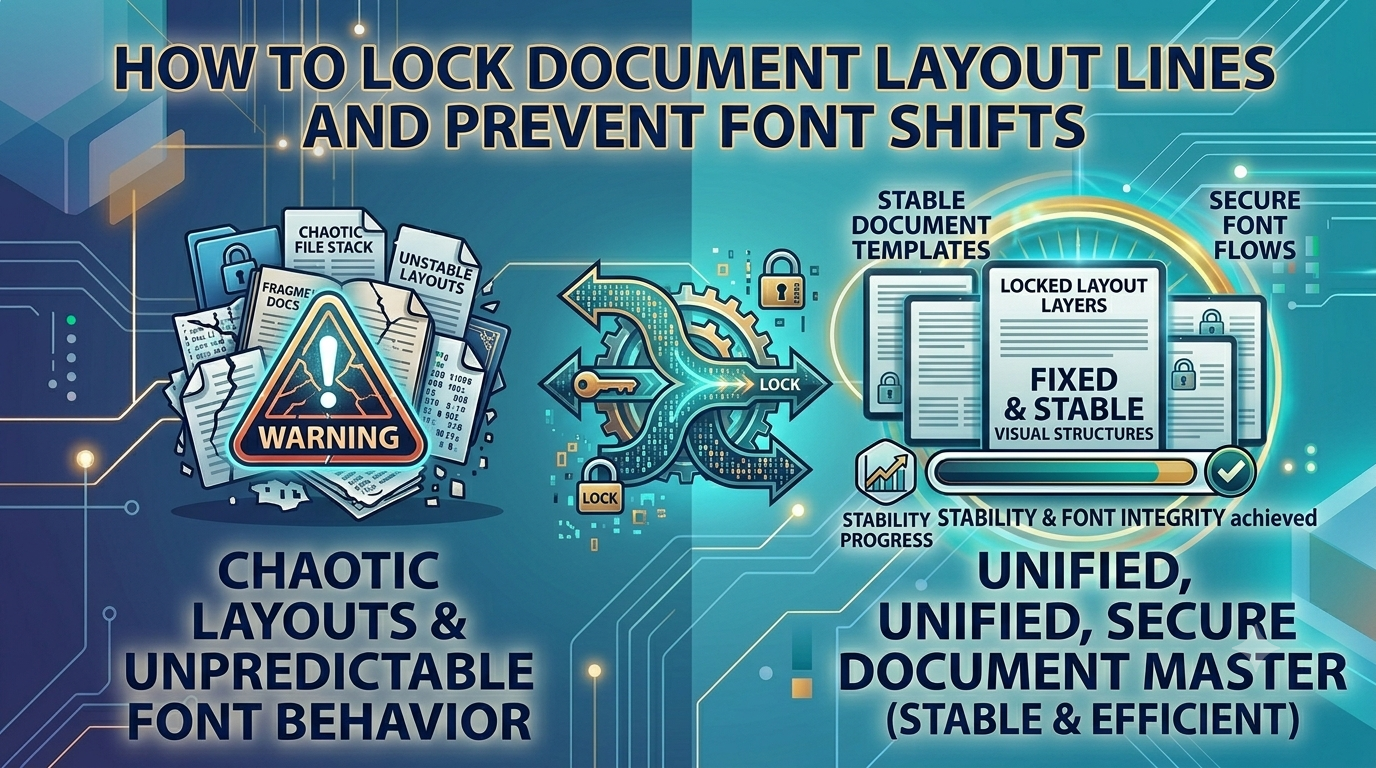
How to Lock Document Layout Lines and Prevent Font Shifts
Worried that your business proposals will shift or look messy on a client's device? Read how to utilize Word to PDF workflows to lock formatting securely.
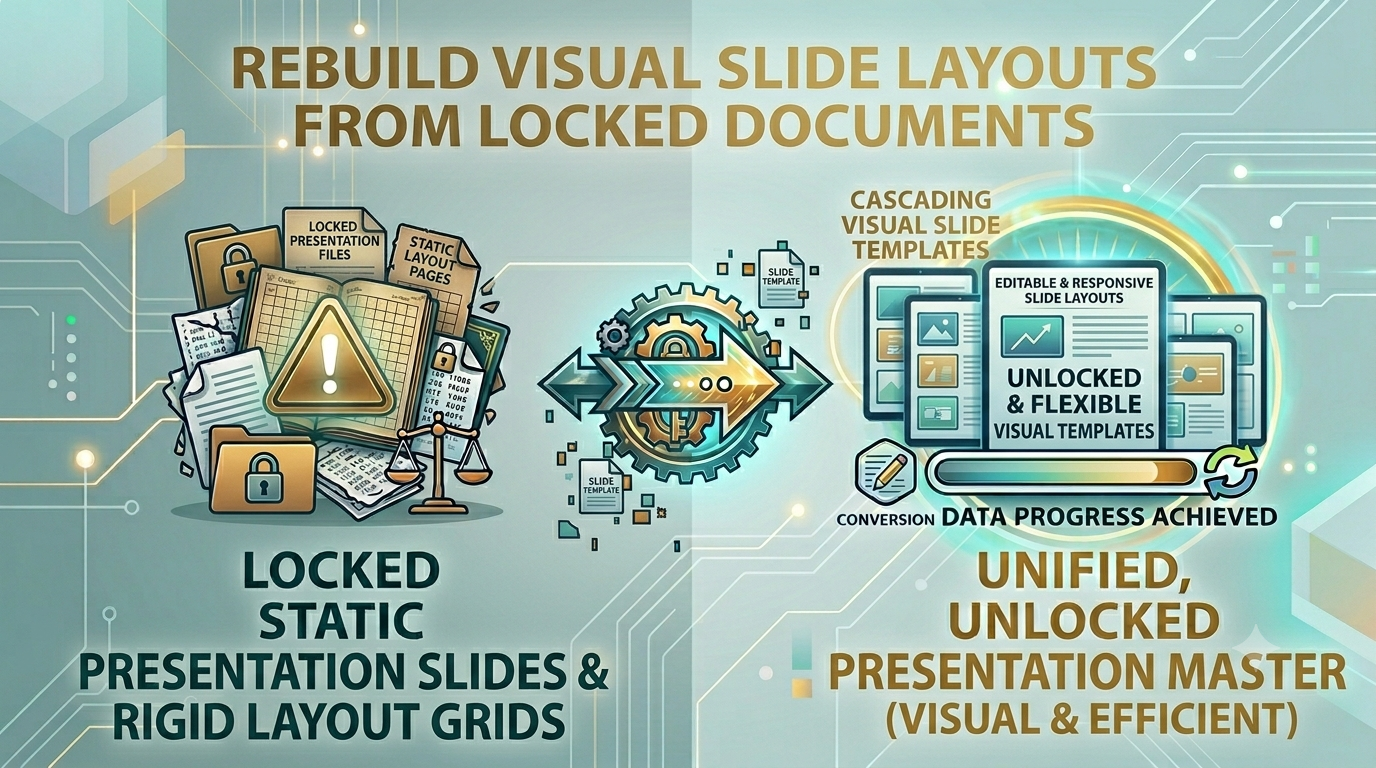
How to Rebuild Visual Slide Layouts from Locked Documents
Struggling to update metrics in a locked pitch deck before a meeting? Learn how to convert PDF to PowerPoint privately to restore presentation control.
How to Compress Transparent Graphics Without Losing Quality
Struggling with massive transparent image payloads? Learn how to convert PNG to WebP safely to maintain crisp edge layouts and save storage space.