How to Correct Scrambled Multi-Page Sequences and Layout Flows
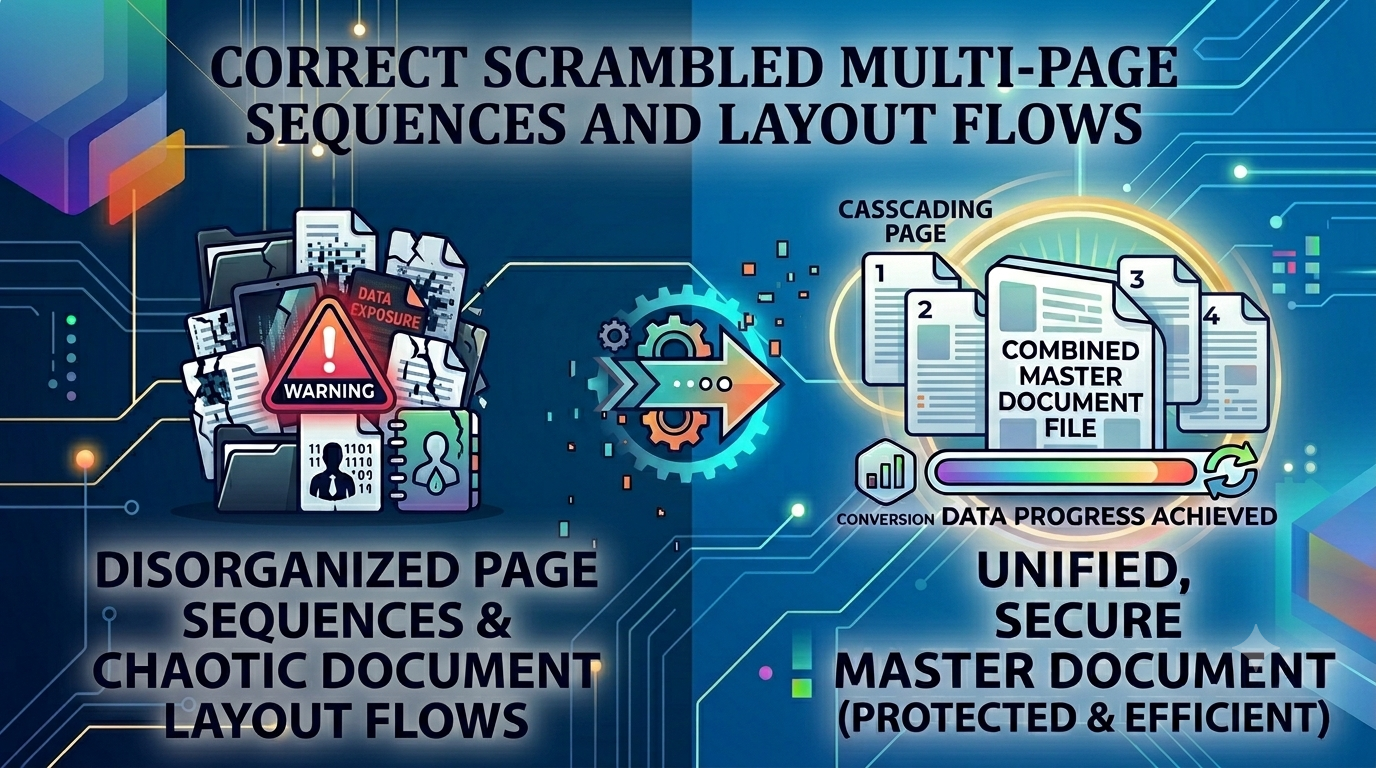
The Disjointed Narrative: Correcting Structural Layout Shifts by Reordering Pages
Compiling multi-page documents under tight deadlines often leads to annoying structural errors. Whether you are combining scans from different team members or exporting multi-department updates, page layouts can easily end up in the wrong order. A misplaced appendix, an out-of-sequence invoice, or an upside-down signature block can ruin the narrative flow of a professional proposal or business brief. Presenting a messy, disorganized file to a client or stakeholder can hurt your professional credibility and derail your project momentum.
The Disorganized Sequence Problem: Why Quick Reordering is Crucial
Fixing a mixed-up document sequence shouldn't mean having to rebuild the entire file from scratch. Manually re-exporting original source files from different software suites wastes valuable time and can introduce new formatting errors. Using a dedicated reorder PDF pages workspace removes this frustration completely, giving you a visual drag-and-drop canvas to rearrange your document sequence easily and fix structural flow issues instantly.
The Business Impact of Unordered Documentation
Leaving your multi-page files in a scrambled or messy sequence can cause several common operational problems:
- Confused Clients and Stakeholders: Readers can easily miss key metrics or project guidelines if your supporting charts or pages are out of order.
- Delayed Contract Approvals: Signature pages that are buried or placed incorrectly disrupt review workflows, delaying project sign-offs.
- Damaged Brand Image: Distributing disorganized documentation suggests a lack of attention to detail, hurting your business reputation.
Using our safe reorder PDF pages canvas fixes these sequence issues instantly, ensuring your files flow logically and look highly professional on any screen.
Common Mistakes Users Make with Document Sequences
Avoid these typical pitfalls when rearranging your multi-page documents:
- Uploading Secure Corporate Contracts to Unsecured Clouds: Sending private agreements or legal files to external cloud platforms exposes your data to breaches. Always use local browser-side tools.
- Working Without Clear Visual Previews: Trying to rearrange page layouts blindly without a thumbnail view can lead to further sequence errors.
- Settling for Sluggish Server-Side Pipelines: Waiting on slow server queues just to move a few pages around wastes time and slows down your active projects.
Fix Your Document Order Safely and Instantly
Rearranging your pages shouldn't mean compromising your data privacy. Simply open our free reorder PDF pages workbench, drag your thumbnails into the perfect order, and download your updated document instantly. The entire operation runs locally within your browser cache, keeping your private files safe and secure on your own device.
Frequently Asked Questions
Why does a mixed-up page sequence look unprofessional to corporate clients?
Scrambled pages disrupt the reading flow, confuse stakeholders, and suggest a lack of attention to detail. A visual reorder PDF pages tool fixes this instantly, ensuring your document flows logically.
Is my private data secure when I rearrange pages on your site?
Yes. Our tool runs entirely client-side inside your browser sandbox, meaning your secure corporate files never upload to a cloud server.
Can I delete unwanted pages while rearranging my document?
Yes, our interactive visual workspace lets you easily delete unwanted pages while sorting your layout.
Will changing the page order distort my formatting or compressed text?
No, our tool simply updates the file's layout index structure, keeping your original text, fonts, and images perfectly intact.
Is there a limit on how many pages I can sort at the same time?
No, because the utility runs locally on your device, it handles large multi-page documents easily without server lag.
Do I need to sign up for an account or pay to use this tool?
No, our sorting canvas is 100% free with no premium locks or daily conversion caps.
Will my final updated document contain brand watermarks?
No, all generated files remain completely clean, professional, and free of any watermarks.
How fast can the tool update my page layout sequence?
By avoiding slow upload and download queues over the web, our tool processes and saves your updated file almost instantly.
Can I use this drag-and-drop workspace on a mobile smartphone?
Yes, our touch-optimized design lets you sort and organize your pages easily on any mobile screen.
Can I rearrange my files while working completely offline?
Yes! Once our web application loads in your browser cache, the reorder PDF pages tool can handle your entire workflow without an internet connection.