How to Fix WebP Compatibility and Software Import Issues
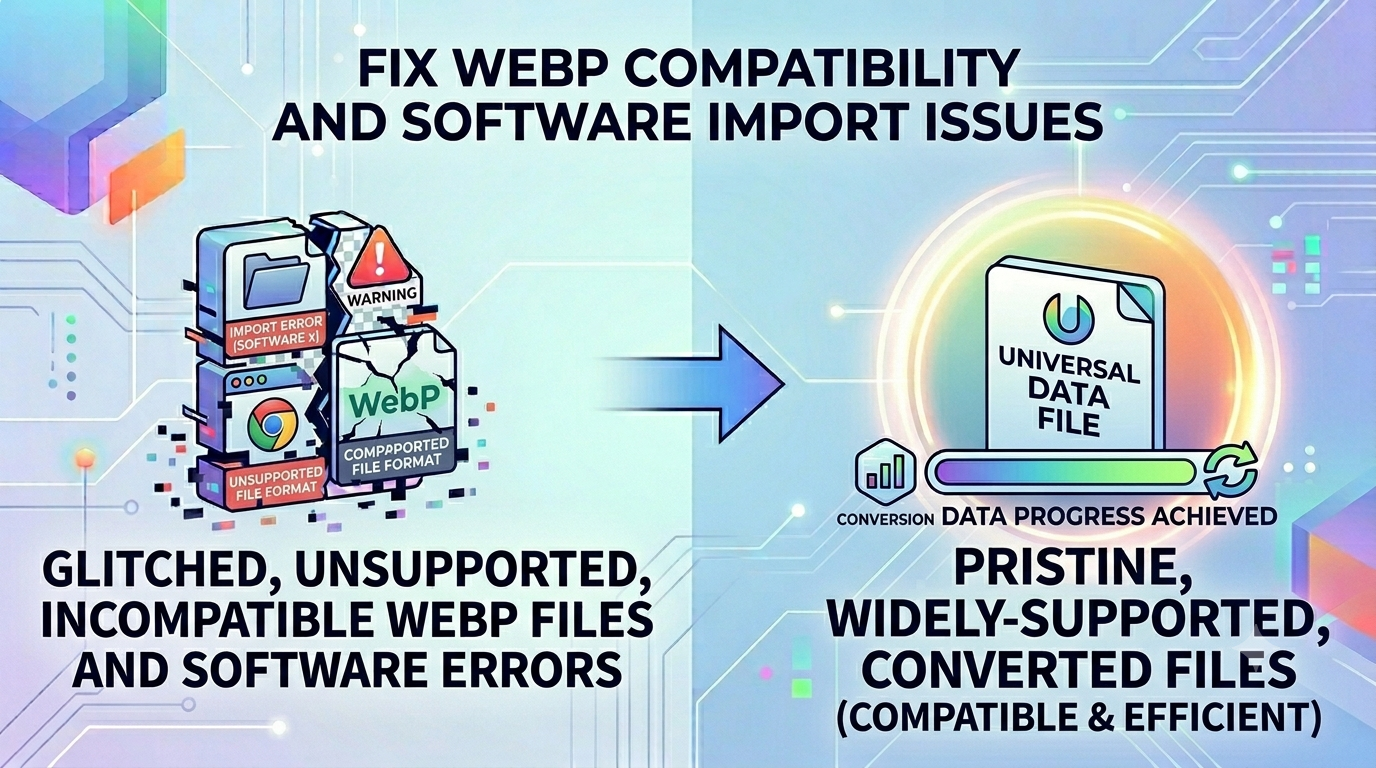
The Compatibility Nightmare: Why Modern WebP Formats Fail on Legacy Systems
As internet technology evolves, next-generation image formats like WebP have become the default standard for modern web browsers. Developed by tech giants to offer superior compression and lightweight payloads, WebP successfully slashes page load speeds across modern web ecosystems. However, this massive push for web optimization leaves a gaping hole in cross-platform compatibility. Digital marketers, print designers, graphic editors, and standard users frequently face a severe bottleneck: trying to open, edit, or upload a WebP file within legacy applications, desktop image viewers, or corporate database systems that strictly demand the standard JPEG layout. This friction disrupts active workflows, turning a simple task into a frustrating hurdle.
The Real-World Dilemma: Understanding the WebP Compatibility Wall
While web developers love modern compressed formats, everyday operating systems, offline presentation software, and traditional photo software often fail to recognize them natively. When you download a visual asset from the web to insert into an enterprise software dashboard, a print catalog template, or an email signature design, you run straight into errors like "Unsupported File Format." This lack of cross-platform support creates severe operational bottlenecks. Resolving this technical friction requires a dependable, secure, and fast WebP to JPG converter that changes modern web layouts back into universally compatible image files right inside your local machine.
Why Raw Image Adjustments are Critical for Creative Workflows
Relying on modern web file formats without a fallback workflow causes a variety of digital asset management problems:
- System Upload Restrictions: Many government recruitment portals, local educational systems, and marketplace seller dashboards refuse to accept newer formats, completely blocking your application progress.
- Software Disconnects: Popular old photo tools, offline document processors, and local database managers frequently show blank layers or throw fatal exceptions when a WebP layout is imported.
- Print Production Delays: Industrial print shop engines read vector baselines and CMYK color mappings built specifically for standard file formats. Sending a raw web file can freeze modern manufacturing lines.
Common Mistakes Users Make When Handling Compressed Graphics
When trying to work around these limitations, users often make typical mistakes that compromise security or quality:
- Exposing Confidential Files to Insecure Servers: Many people use random online file portals that send corporate graphics straight to unknown cloud servers, risking sensitive asset leaks. It is far safer to use a local browser-side execution framework.
- Manually Renaming File Extensions: Simply changing the extension from ".webp" to ".jpg" does not rewrite the internal data structure. It corrupts the data container, rendering the file unreadable.
- Using Low-Res Screenshots: Taking screen captures to bypass conversion limits drops the file down to your monitor's display bounds, blurring fine text overlays and icons.
How to Safely Convert WebP to JPG Locally
To fix these compatibility issues without risking your data privacy, utilize a localized processing pipeline. Simply visit our safe WebP to JPG utility, drag your downloaded web graphics straight into the dashboard interface, and watch our local script change the format container instantly. No files are uploaded to our server, keeping your private assets fully secure on your own machine.
Frequently Asked Questions
Why do next-gen web images fail to open in traditional photo viewing software?
Older applications lack the decoder libraries needed to parse the modern compression layouts used by next-gen web extensions. Converting files via a WebP to JPG tool updates the structural container so it opens perfectly anywhere.
Is my private data secure when converting corporate screenshots?
Yes. Since our WebP to JPG converter uses client-side execution scripts inside your browser, your files never upload to a cloud server, making leaks impossible.
Will changing the format container lower the overall visual quality?
Our processing script uses high-density conversion layers to preserve your original pixels, color details, and text sharpness perfectly.
Can I convert multiple downloaded web graphics simultaneously?
Yes, our local interface allows for fast batch processing, saving you time when handling large asset folders.
Why does manually changing a file extension ruin my image?
Forcing an extension change does not modify the underlying binary data. It confuses your computer's OS, resulting in file corruption errors.
Do I need to pay or create an account to use this utility tool?
No, our entire workspace is 100% free with no hidden charges, daily conversion limits, or required email sign-ups.
Can I access this translation tool from an older smartphone?
Yes, our tool is fully web-responsive and works smoothly across iOS, Android, and mobile browser setups.
Does the local converter support transparent backgrounds?
Standard JPG files do not support transparency. If your source web file contains transparent layers, they will automatically render onto a clean white background.
Why is this client-side tool faster than standard online file managers?
Because it eliminates the need to upload and download multi-megabyte payloads, processing your files instantly right on your device.
Can I use this image utility while working entirely offline?
Yes. Once our web framework loads in your browser tab, the WebP to JPG engine can process your files without an active internet link.