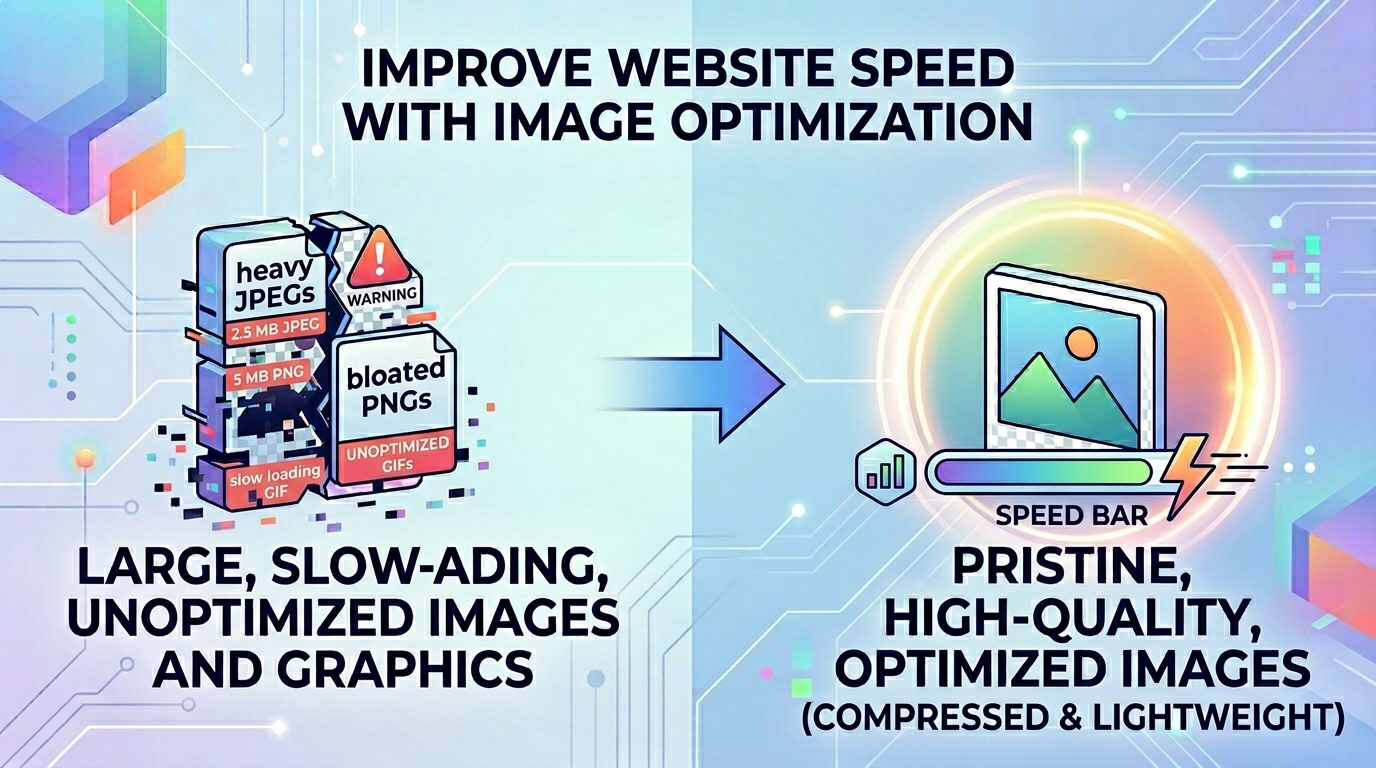
How to Improve Website Speed with Image Optimization
Speed Sells: Overcoming Web Performance Drag with JPG to WebP Optimization
In the highly competitive digital marketplace, website speed is a critical factor for business success. Search engine ranking algorithms openly prioritize lightning-fast load times, and online users quickly abandon platforms that lag. Large, uncompressed legacy images like standard JPEGs are one of the biggest causes of slow website performance. Maintaining a media library full of heavy graphics can slow down your site, increase server bandwidth costs, and hurt your conversion rates. Webmasters and SEO specialists face a constant challenge: optimizing massive image galleries without ruining visual crispness.
The Web Drag Crisis: Why Modern Optimization Matters
Every millisecond matters when loading an e-commerce catalog, business blog, or digital landing page. Standard legacy formats carry a lot of uncompressed metadata and redundant block bytes that serve no purpose on a modern web screen. This is where a professional JPG to WebP pipeline becomes essential. Converting heavy images to a modern web-optimized format shrinks file sizes by up to 30% or more, allowing your pages to load significantly faster.
The Technical Challenges of Legacy Graphic Formats
Relying on traditional file extensions for modern web deployment creates several real-world performance problems:
- High Bandwidth and Hosting Costs: Heavy images drain server bandwidth quickly, inflating cloud infrastructure costs during traffic spikes.
- Lower Core Web Vitals Performance: Slow image rendering triggers poor mobile speed scores, directly lowering your organic search rankings.
- Increased Mobile Bounce Rates: Mobile users on weak mobile networks will quickly leave pages that hang while loading large uncompressed images.
Integrating a smart JPG to WebP compression strategy completely solves these performance issues, letting you serve lightweight images that look identical to the originals.
Common Conversion Mistakes to Avoid
Make sure to avoid these typical optimization errors when rebuilding your web media library:
- Using Over-Compression Settings: Setting your compression levels too low can introduce ugly artifacts, blurring fine text and vector overlays.
- Uploading Bulk Product Images to Insecure Sites: Sending your unreleased product photography to random cloud file servers opens you up to corporate data leaks. Stick to local, browser-side tools.
- Neglecting Structural File Backups: Deleting your original high-resolution assets before verifying the output can leave you without your master copies if you need to make changes later.
Boost Your Website Performance Safely
Accelerating your website shouldn't mean compromising your data security. Simply open our local JPG to WebP utility dashboard, drop your heavy images into the processing area, and convert your files instantly right inside your browser view without ever touching a cloud server.
Frequently Asked Questions
How does a JPG to WebP conversion speed up my website?
Next-generation web formats use smarter prediction coding to store visual data more efficiently, shrinking file sizes by around 30% compared to legacy files. This dramatically reduces page load times.
Will optimizing my images lower their visual quality?
No, our JPG to WebP tool balances compression algorithms perfectly to keep your images looking sharp and professional.
Is it safe to convert private product photography using this web tool?
Yes. Our JPG to WebP tool processes your images locally in your browser cache, ensuring your files never leave your device.
Can I optimize entire folders of web images at the same time?
Yes, our local interface handles fast batch processing, making it easy to optimize large galleries quickly.
Do modern search engine algorithms care about image formats?
Yes, search engines explicitly monitor mobile page load speeds and performance metrics, directly rewarding sites that use optimized web formats.
Will older web browsers be able to display these optimized files?
Most modern browsers fully support next-gen formats. For legacy browsers, standard web setups can easily serve a traditional backup file.
Are there any hidden subscription fees to use this tool?
No, this optimization utility is completely free, with no premium locks or file conversion caps.
Does the converter tool add watermarks to my optimized images?
No, all generated files remain clean and professional, with no watermarks or logos added.
Can I use this compression tool on my smartphone?
Yes, the responsive design lets you compress and optimize images smoothly on any mobile device.
Can I convert files back if I need the original format later?
Yes, you can easily convert your optimized web files back into standard formats whenever needed using our matching tool configuration.