
About the Minifier (HTML/CSS/JS)
Minifier (HTML/CSS/JS) is a free browser-based developer tool from Convertify. Strip whitespace and comments from HTML, CSS or JavaScript to shrink file size for faster page loads. Everything runs instantly with no file upload, no account, and no usage limit.
Frequently Asked Questions
Does minifying change how my code runs?
No — whitespace, comments and (for JavaScript) variable names are compressed, but the actual logic and behavior stay identical. JavaScript minification specifically renames local variables to shorter names, which is always behavior-safe.
How much smaller will my file get?
It depends heavily on how much whitespace and how many comments your original file has — anywhere from 10% to 60%+ is typical. The before/after character count is shown after each run.
Will this break my code if it has a syntax error?
Yes — minification requires actually parsing your code first, so invalid HTML, CSS or JavaScript will show an error here instead of a minified result.
Should I minify CSS/JS that already gets minified by my build tool?
If your framework or bundler already minifies on build, you don't need this for that pipeline — this tool is most useful for one-off snippets, quick edits, or sites with no build step at all.
Related Tools
More From the Blog
How to Compress Transparent Graphics Without Losing Quality
Struggling with massive transparent image payloads? Learn how to convert PNG to WebP safely to maintain crisp edge layouts and save storage space.
How to Restore High-Fidelity Details to Web Graphics
Need to edit a compressed web file in local software suites? Learn how to convert WebP to PNG privately to unlock full multi-layer editing control.
How to Fix WebP Compatibility and Software Import Issues
Struggling with unsupported next-gen web images? Learn how to convert WebP to JPG safely inside your browser without risking your data privacy.
How to Fit Endless Spreadsheet Grids onto Clean Printed Pages
Tired of endless spreadsheet grids spilling across separate pages and cutting off your columns? Learn how to convert Excel to PDF cleanly to fit your layouts.
How to Fix Document Fragmentation and Combine Scattered Files
Struggling to manage scattered team reports? Learn how a secure, client-side merge PDF files pipeline organizes your data without risking server data leaks.
How to Fix Unsupported JFIF Format Errors and Image Blocks
Getting unexpected file format errors when downloading images from your browser? Read how to convert JFIF to PNG safely to restore system compatibility.
How to Unlock Static Layout Layers for Easy Paragraph Editing
Tired of broken layouts and messy copy-pasting workarounds? Read how to run high-fidelity PDF to Word text extractions safely inside your local web browser.
How to Correct Scrambled Multi-Page Sequences and Layout Flows
Misplaced appendices or upside-down pages ruining your proposals? Learn how to reorder PDF pages visually without needing heavy software installations.
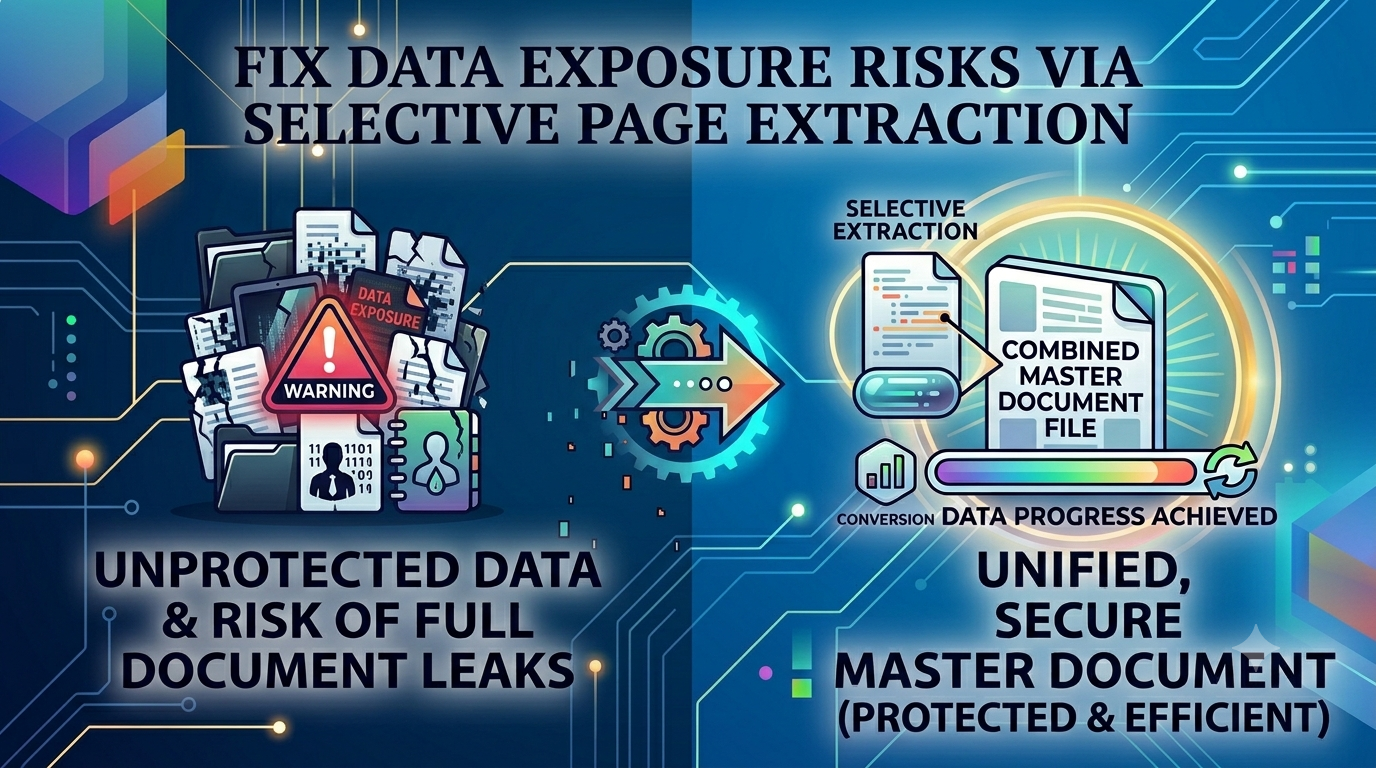
How to Fix Data Exposure Risks via Selective Page Extraction
Sharing massive multi-page documents can accidentally leak secure data. Read how to utilize split PDF pages safely to distribute targeted information sections.