How to Unlock Static Layout Layers for Easy Paragraph Editing
The Locking Mechanism: Breaking Editing Barriers with PDF to Word Tools
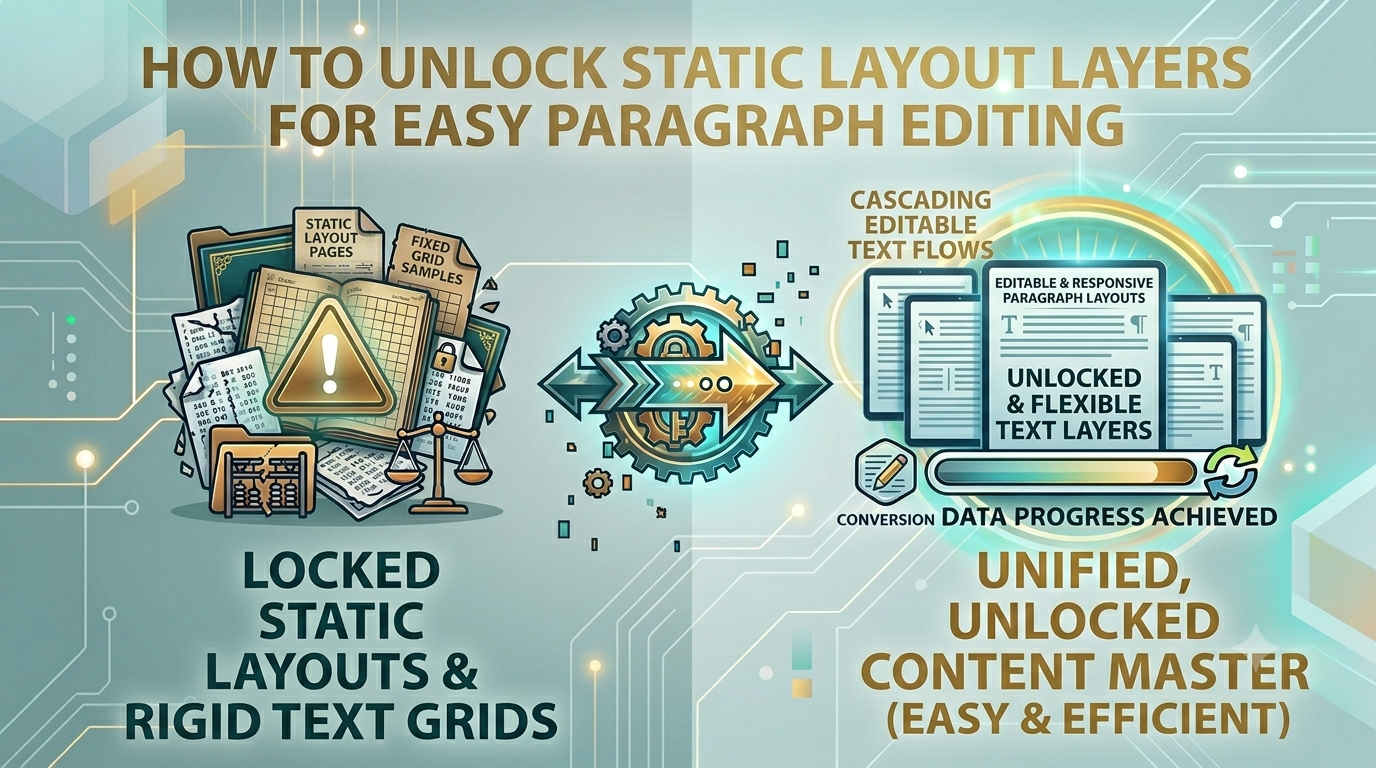
PDF containers are highly valued across professional markets for their ability to lock formatting, ensuring text layouts look exactly the same on every device. However, this absolute rigidity creates a massive editing wall when you need to revise content, rewrite terms, or adjust outdated structural layouts. Trying to copy and paste text fields out of a locked document often scrambles formatting lines, introduces typos, and breaks layout blocks, destroying your creative momentum. Overcoming this editing barrier requires an intelligent conversion pipeline.
The Static Layout Bottleneck: Why Flexible Editing is Vital
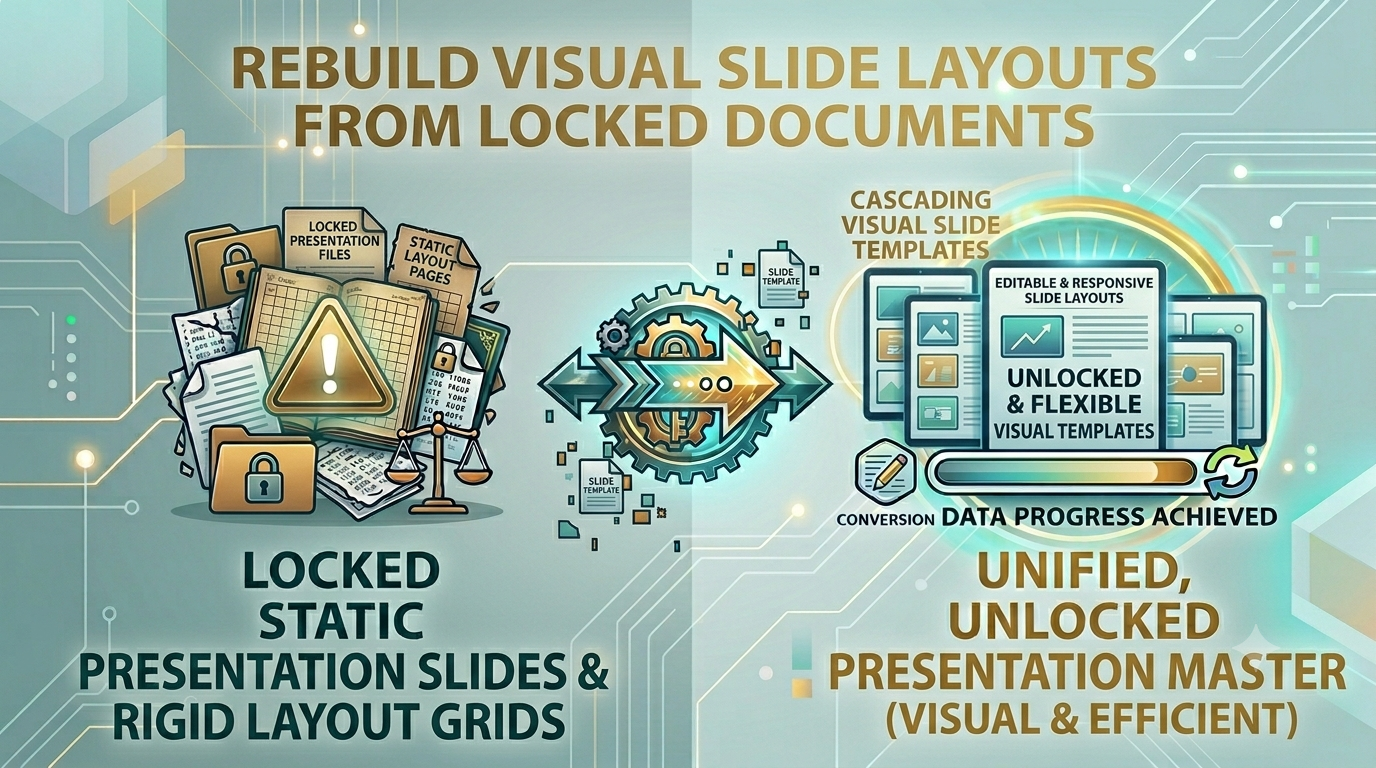
Manually retyping extensive text blocks from a locked document into an editable text processor is an operational bottleneck. It slows down contract revisions, compromises data accuracy, and wastes valuable business hours on tedious manual tasks. Utilizing a professional PDF to Word extractor resolves this friction entirely, transforming static layout layers into a fully editable document format while preserving your original text positioning page by page.
The Practical Frustrations of Managing Rigid Documentation
Leaving text stuck inside uneditable document containers can cause several common business and team problems:
- Slow Contract Negotiations: Legal and sales teams waste hours manually updating clauses instead of making revisions directly within an editable layout.
- Scrambled Formatting Lines: Standard copy-paste workarounds scramble word spacing, table boxes, and header blocks, creating messy files.
- Data Entry Mistakes: Retyping financial data or legal terms manually increases the risk of critical typos and compliance issues.
Integrating a high-fidelity PDF to Word extraction strategy restores full editing control, allowing you to update layouts smoothly while preserving original font stylings across all pages.
Common Conversion Mistakes Users Make
Avoid these typical errors when extracting text from your locked documents:
- Uploading Secure Business Records to Cloud Extraction Engines: Passing confidential company strategies or data files through public web tools risks serious data breaches. Always stick to secure local client-side processing.
- Ignoring Structural Reading-Line Proofing: Failing to verify text flow across tables after conversion can leave you with unaligned data blocks.
- Settling for Destructive Formatting Parsers: Low-quality tools flatten your text layers into unformatted text strings, destroying your design layouts.
Unlock Your Document Content Safely
Unlocking your text shouldn't put your data privacy at risk. Simply visit our clean PDF to Word utility dashboard, drop your static documents into the workspace, and let our engine extract your content into an editable layout instantly right inside your browser window, with no cloud servers involved.
Frequently Asked Questions
Why does copying text directly from a locked document scramble the layout formatting?
Documents map text using absolute spatial coordinates rather than flowing paragraphs. A true PDF to Word converter reads these coordinates and builds an editable text document automatically.
Is it safe to convert highly confidential company agreements using this tool?
Yes, our tool operates entirely client-side inside your browser sandbox, ensuring your private data never leaves your machine.
Will the conversion process break my custom font choices or headers?
Our advanced engine extracts text structures page-by-page to keep your original font treatments and paragraph styles intact.
Can I edit multi-column tables cleanly after running the conversion?
Yes, our tool identifies tabular data structures to map text cleanly into editable row cells instead of scrambled strings.
Is there a page limit threshold when converting files with this tool?
Because our extractor leverages your device's local memory and CPU, it processes large files smoothly without server timeouts.
Do I need to pay or create an account to use this utility?
No, our conversion engine is 100% free with no trial limits, hidden premiums, or registration walls.
Will my final exported text document contain brand watermarks?
No, we guarantee completely clean document exports with no forced branding logs or watermarks added to your pages.
How fast does the extraction engine generate an editable file?
By avoiding slow upload and download queues over the web, our client-side tool extracts your text almost instantly.
Can I run this document converter on my smartphone?
Yes, the web-responsive workspace allows you to convert and extract text files smoothly on any mobile screen.
Can I convert files while working completely offline?
Yes! Once our website loads in your browser, the PDF to Word engine can process all your files locally without an active network link.