How to Lock Document Layout Lines and Prevent Font Shifts
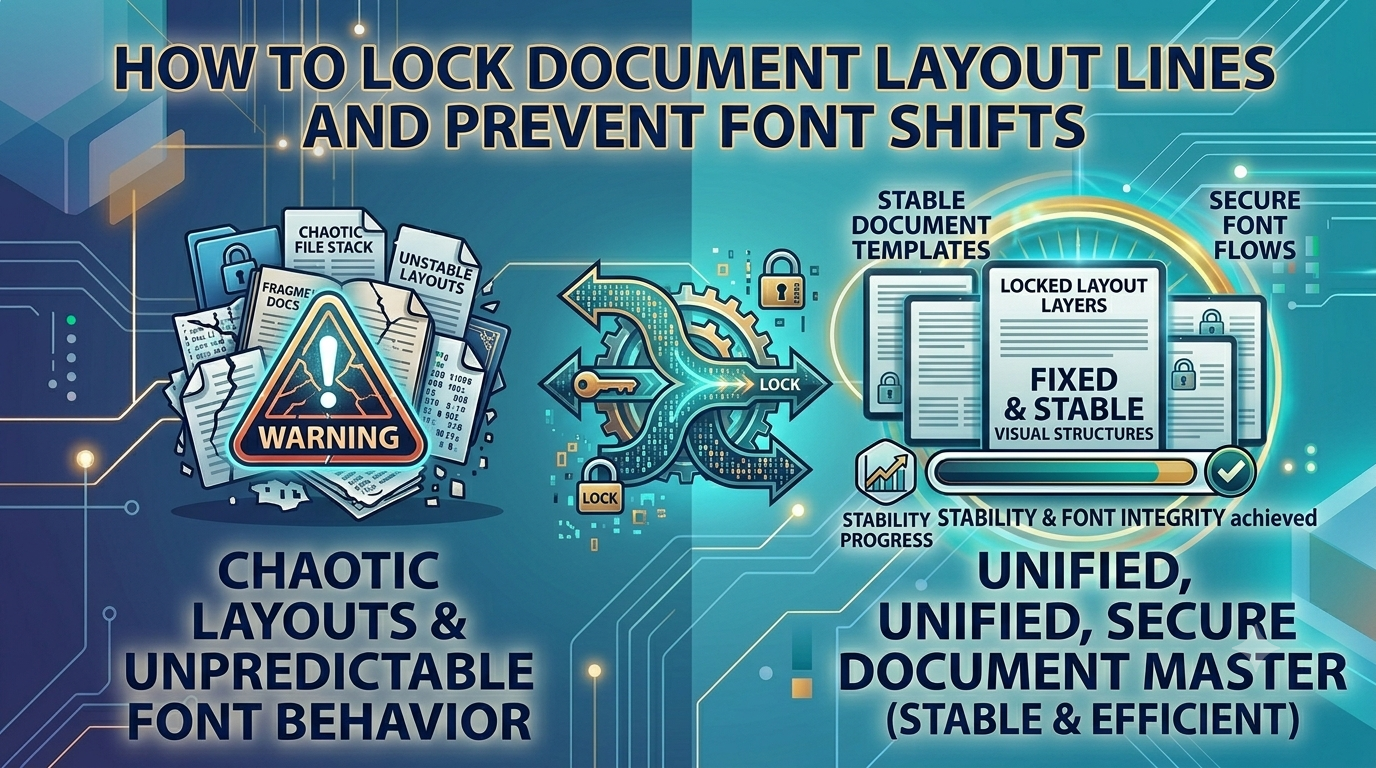
The Presentation Dilemma: Safeguarding Layout Integrity via Word to PDF Workflows
While word processors are excellent for drafting content, sharing raw text files across different operating systems or devices is often risky. Mismatched software versions, missing local fonts, and varying screen dimensions frequently cause ugly layout shifts, scrambled text, and broken margins. A beautifully formatted business contract or invoice can easily look sloppy and unorganized when opened on a client's device. Overcoming this presentation dilemma requires a reliable way to lock your formatting before sharing.
The Font and Layout Shift Crisis: Why Format Locking Matters
Sending editable text files for official business communication creates formatting risks. It allows accidental edits to important terms, disrupts your paragraph structures, and leaves your documents looking inconsistent on different screens. Utilizing a professional Word to PDF conversion engine removes this frustration entirely, freezing your text, font choices, and margins inside a secure, universally readable document structure that looks identical on every device.
The Risks of Sharing Unlocked text Files
Leaving business files in an editable text format can cause several common document management problems:
- Accidental Clause Changes: Recipients can easily make unintended changes to terms, numbers, or dates within editable files.
- Messy Layout Shifts: Missing fonts or software version differences can scramble your tables, headers, and signature blocks.
- Cross-Platform Display Issues: Raw text files often render poorly on mobile screens, making quick reviews difficult for clients on the go.
Using our high-fidelity Word to PDF tool locks your design layouts perfectly, ensuring your business documents print out clean and look professional on any screen.
Common Mistakes Users Make with Document Conversion
Avoid these typical pitfalls when preparing your official documents:
- Uploading Sensitive Business Contracts to Public Clouds: Processing private corporate contracts on external servers increases the risk of data leaks. Always look for client-side tools that keep your data local.
- Neglecting to Review Layout Breaks: Forgetting to check page breaks before converting can leave you with awkward gaps or orphaned text lines.
- Settling for Poor Quality Rendering Engines: Sub-par tools can blur embedded logos and graphics, making your documents look unprofessional.
Lock Your Document Formatting Safely and Instantly
Securing your document formatting shouldn't mean compromising your data privacy. Simply visit our clean Word to PDF workspace, drop your editable text files into the dashboard, and watch our local engine translate your text into a pristine document structure instantly right inside your browser window, with zero data logs stored.
Frequently Asked Questions
Why do my paragraph styles and fonts shift when I share raw text files?
Different devices lack identical font packages and software rendering layouts, which causes text to wrap unpredictably. A Word to PDF tool solves this by locking your design elements in place permanently.
Is it safe to convert secure legal agreements using this tool?
Yes, our tool operates entirely client-side inside your browser sandbox, ensuring your private data never leaves your machine.
Will the conversion process maintain my embedded tables and charts?
Our high-fidelity local engine renders all graphic layouts and tables precisely as they appear within your word processor.
Can I password-protect my document after running the conversion?
Yes, our tool outputs a standard document container that is fully compatible with all standard security and signing features.
Is there a file size limit when converting large manuals or books?
Because our tool uses your device's local memory and CPU, it handles large multi-page reports smoothly without server timeouts.
Do I need to pay or create an account to use this utility?
No, our translation engine is 100% free with no premium paywalls, trial limits, or email registrations required.
Will my final generated document contain brand watermarks?
No, we guarantee completely clean document exports with no forced branding logos or watermarks added.
How fast can the engine generate a locked document file?
By avoiding slow upload and download queues over the web, our client-side tool converts your files almost instantly.
Can I run this text conversion tool on my smartphone?
Yes, our responsive web design lets you manage your document formatting smoothly on any mobile browser.
Can I convert files while working completely offline?
Yes! Once our website loads in your browser cache, the Word to PDF engine can process all your files locally without an internet connection.