How to Rebuild Visual Slide Layouts from Locked Documents
The Presentation Hurdle: Rebuilding Slide Decks with PDF to PowerPoint Tools
Professionals, educators, and sales teams frequently run into a frustrating bottleneck when dealing with presentation decks saved as static documents. While the PDF format is excellent for locking down design layouts for distribution, it completely limits your ability to add animations, revise slide text, or insert fresh project metrics before an important meeting. Trying to recreate an entire slide deck layout from scratch wastes valuable business hours and can introduce costly design inconsistencies. Overcoming this presentation hurdle requires a high-fidelity conversion pipeline.
The Locked Presentation Bottleneck: Why Adaptive Slides Matter
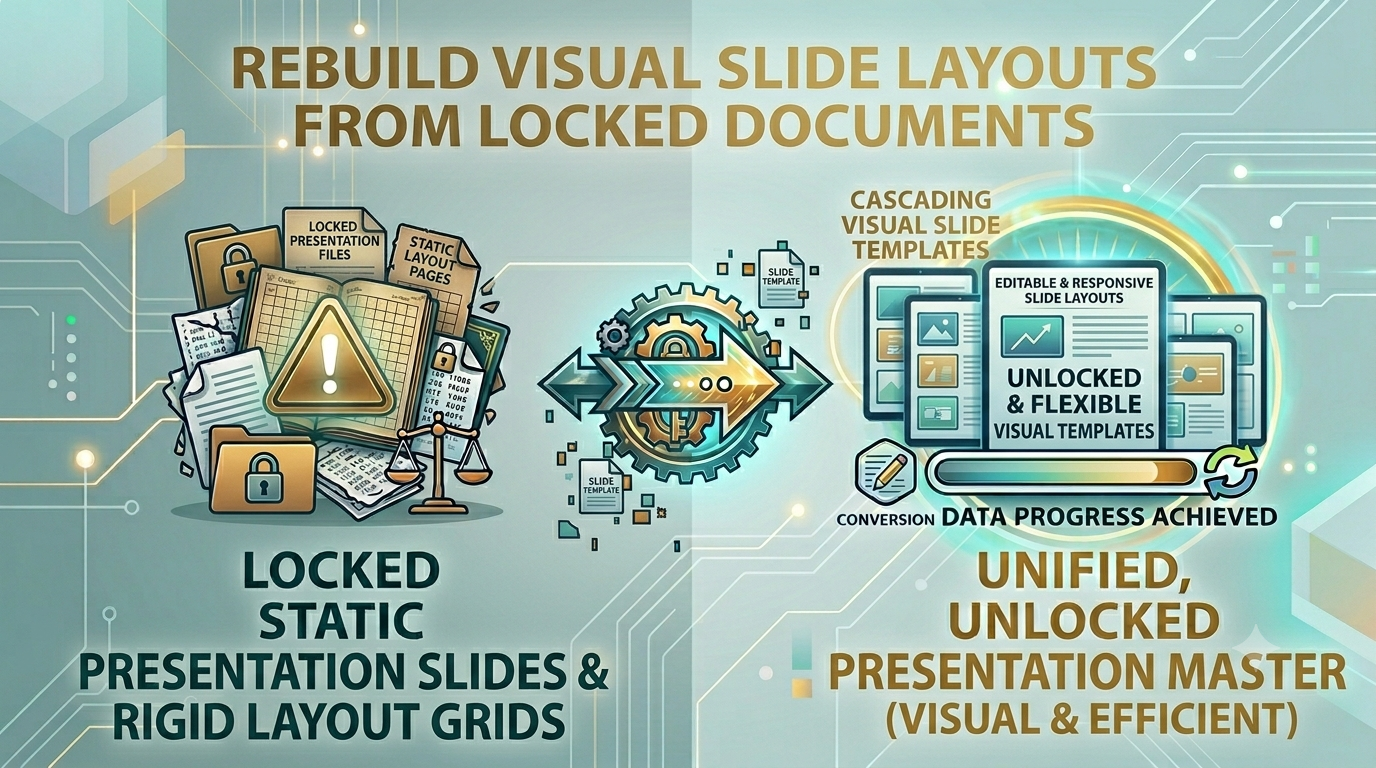
Manually rebuilding complex slide layouts, graphic overlays, and text blocks from a static document into an active presentation suite is an operational bottleneck. It delays sales pitches, slows down lecture updates, and wastes time on repetitive manual work. Utilizing a professional PDF to PowerPoint converter removes this frustration entirely, changing each document page into a full-slide image layout inside a fully editable presentation file container.
The Operational Cost of Rigid Slide Decks
Leaving presentations stuck inside uneditable document containers can cause several common team problems:
- Stale and Outdated Pitch Decks: Sales teams struggle to update quick metrics or client details before meetings, leading to less effective presentations.
- Design Layout Inconsistencies: Rebuilding slide layouts manually often results in mismatched fonts, distorted graphics, and unaligned text blocks.
- Wasted Production Time: Design teams waste hours recreating old slides instead of focusing on high-value creative projects.
Using our secure PDF to PowerPoint engine restores your slide flexibility instantly, giving you clean slide layouts that are ready for immediate presentation.
Common Mistakes Users Make with Slide Conversions
Avoid these typical errors when preparing your presentation decks:
- Uploading Sensitive Pitch Decks to Public Web Tools: Passing unreleased product specs or private corporate strategies through insecure cloud tools risks data leaks. Always stick to secure local client-side processing.
- Forgetting to Verify Slide Aspect Ratios: Converting files without checking layouts can result in stretched graphics or clipped text borders on wide screens.
- Using Low-Res Screenshot Workarounds: Taking screenshots of document pages flattens your presentation assets and blurs your text overlays, making slides look unprofessional.
Restore Your Slide Layouts Safely and Instantly
Rebuilding your slide decks shouldn't mean compromising your data privacy. Simply open our free PDF to PowerPoint converter panel, drop your static documents into the workspace, and expand your pages into a functional presentation file instantly right inside your browser window, with zero external server dependencies.
Frequently Asked Questions
Why do my document slide designs become uneditable once saved as a PDF?
The PDF format locks down design coordinates to ensure consistent viewing. A dedicated PDF to PowerPoint tool resolves this by wrapping each page cleanly into an active presentation slide layout.
Is it safe to convert proprietary corporate pitch decks using this tool?
Yes, our tool runs entirely client-side inside your browser sandbox, ensuring your confidential presentation files never upload to a cloud server.
Will the conversion process scramble my slide layouts or graphics?
Our engine captures your design coordinates page-by-page to ensure your slide structures and graphics stay perfectly aligned.
Can I add custom notes and transitions after running the conversion?
Yes, our tool outputs a standard presentation file container, allowing you to add animations, notes, and layout shifts right away.
Is there a file size limit when converting long slide decks?
Because our tool uses your device's local memory and CPU, it handles extensive presentations smoothly without server timeouts.
Do I need to sign up for an account or pay to use this converter?
No, our toolkit is 100% free with no premium locks, trial limits, or email registrations required.
Will my final exported presentation slides contain brand watermarks?
No, we guarantee completely clean file exports with no forced branding logos or watermarks added to your designs.
How fast can the tool convert a document into a presentation file?
By avoiding slow upload and download queues over the web, our client-side tool generates your presentation files almost instantly.
Can I run this presentation conversion tool on my smartphone?
Yes, our responsive web design lets you convert and manage your slide decks smoothly on any mobile browser.
Can I convert presentation decks while working completely offline?
Yes! Once our website loads in your browser cache, the PDF to PowerPoint engine can process all your files locally without an internet connection.