How to Compress Transparent Graphics Without Losing Quality
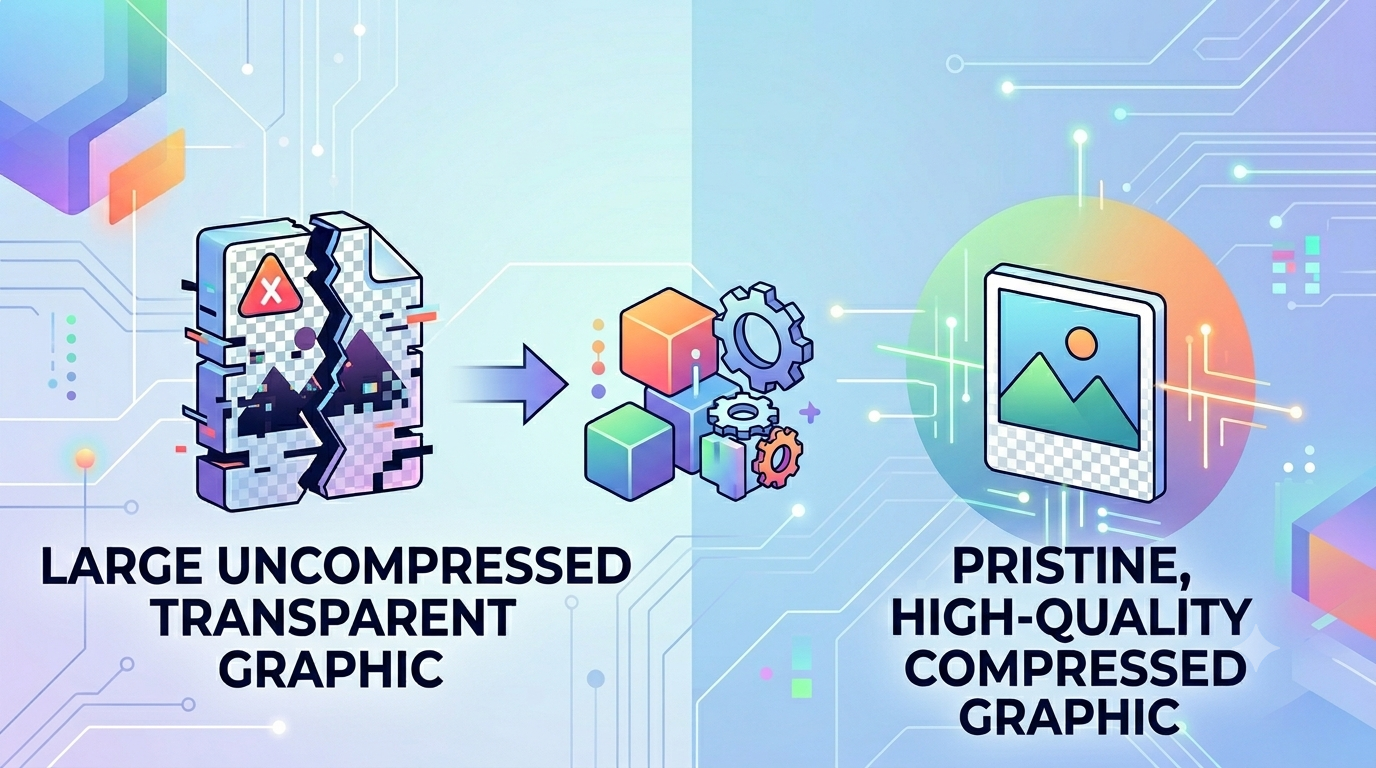
The Transparent Dilemma: Shrinking Large PNG Alpha Channels via PNG to WebP
Graphic designers and UI developers love transparent PNG files for their ability to blend icons, logos, product cutouts, and overlay elements seamlessly over any background. However, this beautiful visual flexibility comes at a steep performance cost. Standard portable network graphics use lossless compression rules that generate massive file payloads, especially when dealing with complex semi-transparent layers. When webmasters drop multiple transparent assets into a web layout, it often slows page loading speeds down to a crawl. Finding a way to preserve transparency while shrinking file sizes is a major challenge for modern web professionals.
The Performance Bottleneck of Transparent Assets
Large graphics with extensive alpha channels often trigger severe performance lag on mobile networks. If you leave these files uncompressed, you force mobile users to wait while heavy assets load bit by bit. This is where a modern PNG to WebP conversion tool becomes essential. This next-generation format supports alpha channel transparency while providing much better compression, shrinking file sizes by up to 60% compared to traditional lossless files.
Why Optimizing Transparent Graphics is Critical
Failing to optimize your transparent assets can lead to several common digital layout problems:
- Laggy Page Animations: Heavy assets slow down rendering engines, causing visible lag during scroll animations or hover transitions.
- Inflated App Payload Sizes: Mobile apps and modern web interfaces filled with uncompressed graphics run slowly and waste user data.
- Poor Page Load Scores: Large unoptimized assets directly lower your mobile performance metrics, hurting your search engine optimization efforts.
Using our secure PNG to WebP converter solves this balance perfectly, giving you lightweight files with flawless transparency support.
Common Mistakes Users Make with Lossless Formats
Avoid these typical errors when optimizing your transparent design assets:
- Converting to Formats That Don't Support Transparency: Accidentally saving transparent assets as JPEGs turns your clean backgrounds into solid black or white blocks, ruining your design layout.
- Uploading Sensitive UI Assets to Cloud Log Servers: Passing unreleased app designs through public cloud file tools risks leaking your intellectual property. Always use a secure local client-side tool.
- Over-Compressing Complex Anti-Aliased Edges: Applying too much compression can introduce jagged pixels around text and icons, ruining clean design lines.
Streamline Your Asset Workflow Safely
Shrinking your design assets shouldn't put your data privacy at risk. Simply visit our client-side PNG to WebP workbench, drag your transparent files into the drop zone, and let our tool optimize your assets instantly right inside your local browser cache.
Frequently Asked Questions
Can next-gen web formats keep my background transparent?
Yes, modern web formats fully support alpha channel metadata, allowing you to convert your PNG to WebP assets while keeping your transparency settings intact.
How much storage space can I save by converting my graphics?
Converting your transparent PNG to WebP assets can shrink file sizes by up to 60% while maintaining crisp, clean details.
Is it safe to process confidential interface designs using this tool?
Yes, our tool runs entirely client-side inside your web browser sandbox, meaning your private files are never uploaded to a cloud server.
Will the edges of my transparent icons look blurry after conversion?
No, our tool preserves anti-aliased edge details perfectly so your icons look sharp against any background.
What happens if I accidentally convert a transparent asset to a format that doesn't support it?
The file will lose its alpha channel data, turning your clean transparent background into a solid color block.
Is there a limit on how many assets I can convert at once?
No, you can process unlimited batches of files using our free local client-side conversion engine.
Do I need to install any apps or browser extensions to use this tool?
No, the entire asset converter runs natively in any standard web browser view with no downloads required.
Are these optimized files fully compatible with modern mobile apps?
Yes, modern development frameworks fully support next-gen web formats for lightweight, fast-loading application layouts.
Does using this free web tool add watermarks to my graphics?
No, all your generated files stay completely clean and professional, with no watermarks added.
Can I run this converter tool while working offline?
Yes, once our website loads in your browser cache, the tool can handle your entire PNG to WebP workflow without an active network link.