How to Fix Document Fragmentation and Combine Scattered Files
The Document Fragmentation Crisis: Streamlining Scattered Reports with PDF Merging
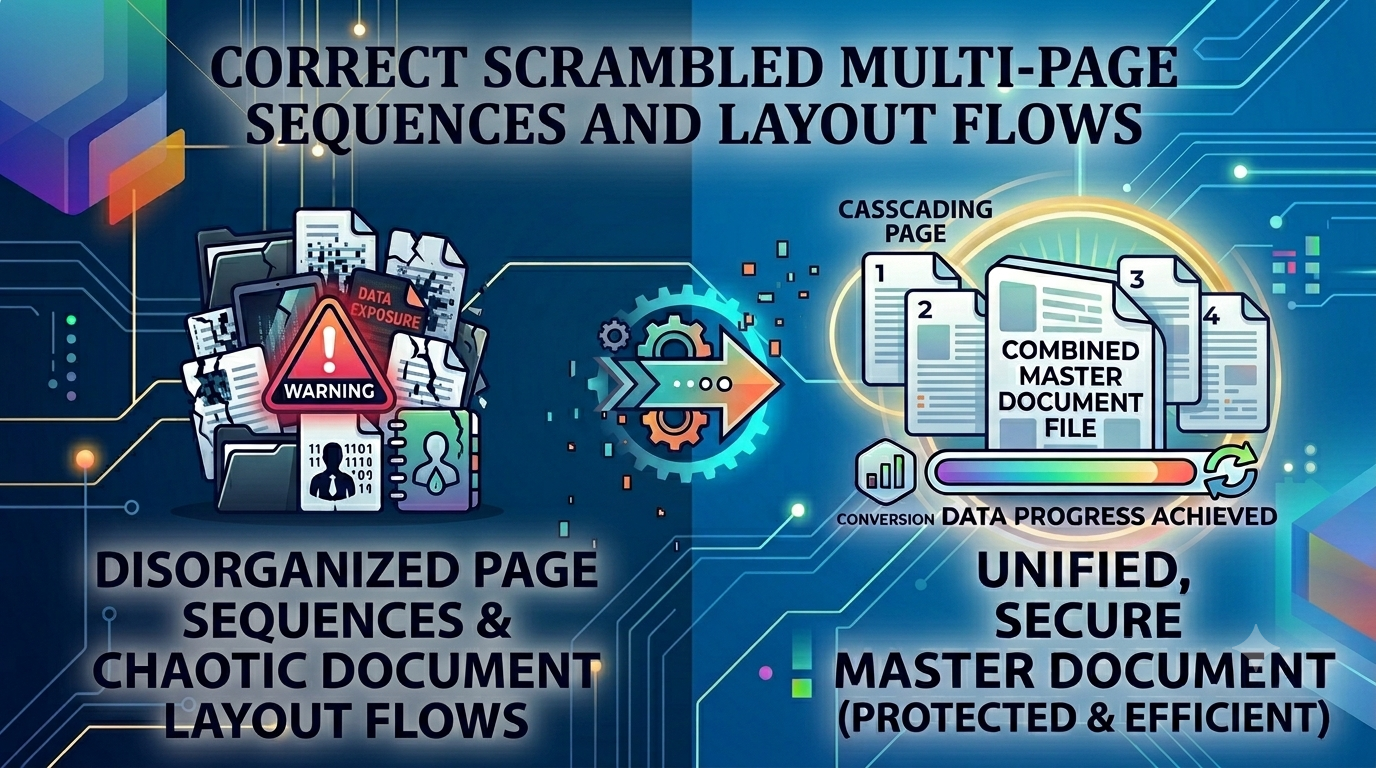
In modern corporate environments, academic circles, and remote workspaces, file fragmentation creates massive operational drag. Teams frequently generate separate project phases, financial updates, and legal riders as independent files. When it comes time to distribute a unified brief to stakeholders, board members, or clients, sending a disorganized pile of separate files looks highly unprofessional and disrupts review workflows. Navigating back and forth between disconnected pages frustrates recipients, leading to communication breakdowns and delayed approvals. Resolving this requires a secure, system-wide approach to document assembly.
The Disorganized Workspace: Why Grouping Files is Vital
Forcing a client or manager to open a dozen separate files to read a single comprehensive contract or presentation creates friction. It increases the risk of pages getting lost, breaks chronological tracking, and clutters system storage. Using a professional merge PDF files workflow completely removes this operational bottleneck. Combining disjointed files into a singular, cohesive document ensures your narrative flows perfectly and looks exceptionally professional on any reading device.
Common Disasters Faced Due to Scattered Documents
Relying on separate, uncombined attachments introduces severe operational bottlenecks:
- Broken Review Sequences: Auditing teams and clients often open attachments out of order, misinterpreting data timelines or terms.
- Email Transmission Errors: Attaching several heavy documents frequently triggers email bounce errors or hits strict corporate inbox file limits.
- Version Control Chaos: Tracking changes across detached, floating chapters makes consolidating feedback a chaotic nightmare.
Utilizing a dedicated merge PDF files pipeline streamlines your document distribution, keeping your data structured, compact, and completely secure inside a single file container.
Common Mistakes Users Make When Combining Files
Avoid these typical errors when organizing your digital documents:
- Uploading Sensitive Contracts to Tracking Clouds: Passing private company data or client contracts through cloud servers exposes your corporate information to database leaks. Always stick to local client-side processing tools.
- Ignoring Sheet Order Previews: Combining files without double-checking the sequence leads to confusing documents with out-of-order data.
- Blindly Merging Bloated Files: Combining unoptimized documents creates massive, unwieldy files that are difficult to share or upload to online forms.
Consolidate Your Digital Assets Securely
Organizing your documentation shouldn't mean compromising your data privacy. Simply visit our browser-based merge PDF files toolkit, arrange your individual documents within our interactive workspace, and compile a single, pristine file instantly. The entire process runs locally within your browser cache, ensuring your confidential data never reaches an external cloud server.
Frequently Asked Questions
Why is sending separate attachments considered unprofessional in business workflows?
Separate files clutter inboxes, force recipients to toggle between multiple windows, and increase the risk of out-of-order reading. A unified merge PDF files pipeline solves this by packaging your information into a single, cohesive document.
Is it safe to merge highly confidential legal contracts online?
Yes, but only if you use our client-side utility. Because the compilation script runs entirely inside your local browser sandbox, your files never upload to a cloud server, ensuring absolute privacy.
Will merging my files alter the internal font layouts or image resolutions?
No, our structural assembly system combines separate files without modifying data grids or compressing text layers, keeping your formatting perfect.
Can I adjust the page sequence after importing files into the tool?
Yes, our graphical workspace features an interactive layout that lets you arrange, order, and align your documents perfectly before final compilation.
Is there an upper limit on how many separate files I can combine?
Because the tool leverages your local computer's processing power rather than restricted server blocks, you can merge large batches of files without artificial limits.
Do I need to pay or create an account to use this utility?
No, our toolkit is 100% free with no premium paywalls, trailing limits, or mandatory email registrations.
Does the compilation engine add brand watermarks to my business files?
No, we guarantee completely clean document exports with no forced logos or watermarks added.
How long does it take to combine heavy, multi-page files?
Since it bypasses slow server network queues, conversions happen locally almost instantly—typically in under half a second.
Can I merge documents directly on my smartphone or tablet?
Yes, our platform is fully web-responsive and works smoothly across all mobile browsers on iOS and Android.
Can I run this combination tool while working completely offline?
Yes! Once our web application loads in your browser tab, the merge PDF files workspace operates entirely local without needing a network connection.