How to Fit Endless Spreadsheet Grids onto Clean Printed Pages
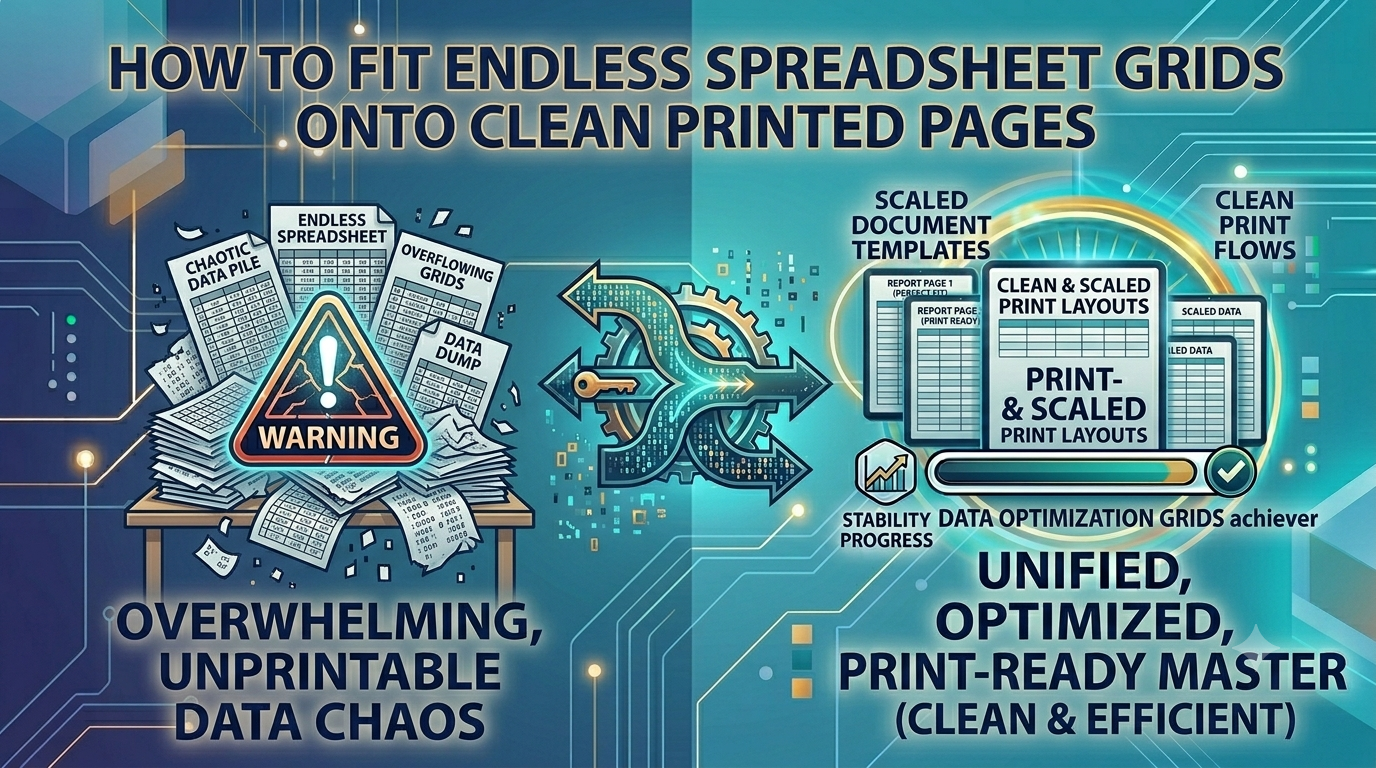
The Spreadsheet Spill: Fixing Print Margins and Column Shifts via Excel to PDF
Spreadsheet applications are fantastic for calculating numbers and organizing large datasets. However, when it comes to printing or sharing those grids as a clean report, spreadsheets present a major layout challenge. Because spreadsheet grids can expand endlessly horizontally and vertically, exporting them directly frequently cuts off data columns, creates messy page breaks, and spills rows across separate pages haphazardly. This layout mess makes your financial ledgers and performance charts look incredibly disorganized and difficult to read.
The Spilled Spreadsheet Gridlock: Why Fixed Layouts Matter
Forcing a client or stakeholder to review a messy spreadsheet report with cut-off columns or fragmented rows is an operational bottleneck. It delays critical financial reviews, confuses data tracking, and hurts your professional presentation. Utilizing a professional Excel to PDF conversion engine removes this hassle entirely, fitting your endless data grids cleanly into a standard, print-ready document layout that keeps your formatting uniform and easy to read.
The Real Problems Caused by Spilled Spreadsheets
Leaving financial records in an unoptimized spreadsheet layout can cause several common reporting problems:
- Cut-Off Data Columns: Endless spreadsheet rows often spill over standard page boundaries, cutting off critical metrics on the right side of your reports.
- Fragmented Page Breaks: Automatic system page breaks can split tables right down the middle, separating data values from their headers.
- Accidental Cell Changes: Sharing live spreadsheet files leaves your formulas and data values vulnerable to unintended edits by recipients.
Using our safe Excel to PDF tool solves these layout issues instantly, ensuring your reports look pristine and print out beautifully with no missing columns.
Common Mistakes Users Make with Spreadsheet Reports
Avoid these typical errors when preparing your financial reports:
- Uploading Corporate Accounting Ledgers to Public Clouds: Processing private company spreadsheets on external servers increases the risk of data leaks. Always use secure local client-side tools.
- Ignoring Print Area Configuration Previews: Converting files without adjusting your layout settings can leave you with unaligned data rows and awkward page breaks.
- Settling for Poor Quality File Parsers: Sub-par conversion tools can warp font scales and break your grid lines, making your reports hard to read.
Lock Your Spreadsheet Data Safely and Neatly
Formatting your financial reports shouldn't mean compromising your data privacy. Simply navigate to our local Excel to PDF engine panel, drop your data spreadsheets into the interface, and watch our tool parse your grids into a beautifully organized document layout instantly right inside your browser view, with zero external server dependencies.
Frequently Asked Questions
Why do my spreadsheet columns constantly get cut off when printing or sharing?
Spreadsheet applications lack fixed page margins, allowing grids to expand endlessly. An intelligent Excel to PDF converter reads your grid boundaries and scales your data columns cleanly onto standard printable pages.
Is it safe to convert private company accounting sheets on this site?
Yes, our tool runs entirely client-side inside your browser sandbox. This ensures your sensitive financial files are processed locally and never uploaded to an external cloud server.
Will the conversion engine keep my custom formulas and hidden columns intact?
Our engine processes your visible data sheets to lock in your calculated values exactly as they appear, without exposing hidden rows or changing your background colors.
Can I share my converted file directly with audit teams?
Yes, our tool outputs standard, high-fidelity document layouts that are universally accepted by professional auditing and corporate review teams.
Is there a sheet or row limit when processing large data files?
Because our tool uses your device's local memory and CPU, it handles large multi-page reports smoothly without hitting server limits.
Do I need to pay or create an account to use this conversion engine?
No, our entire workspace is 100% free with no premium locks, trial limits, or required email sign-ups.
Will my final exported report contain brand watermarks?
No, we guarantee completely clean document exports with no forced branding logos or watermarks added to your files.
How fast does the engine convert a complex spreadsheet grid?
By avoiding slow upload and download queues over the web, our tool processes and saves your updated file almost instantly.
Can I use this spreadsheet tool on my mobile phone?
Yes, our responsive web design lets you manage your spreadsheet formatting smoothly on any mobile browser.
Can I convert files while working completely offline?
Yes! Once our website loads in your browser cache, the Excel to PDF engine can handle all your file conversions without an active internet link.