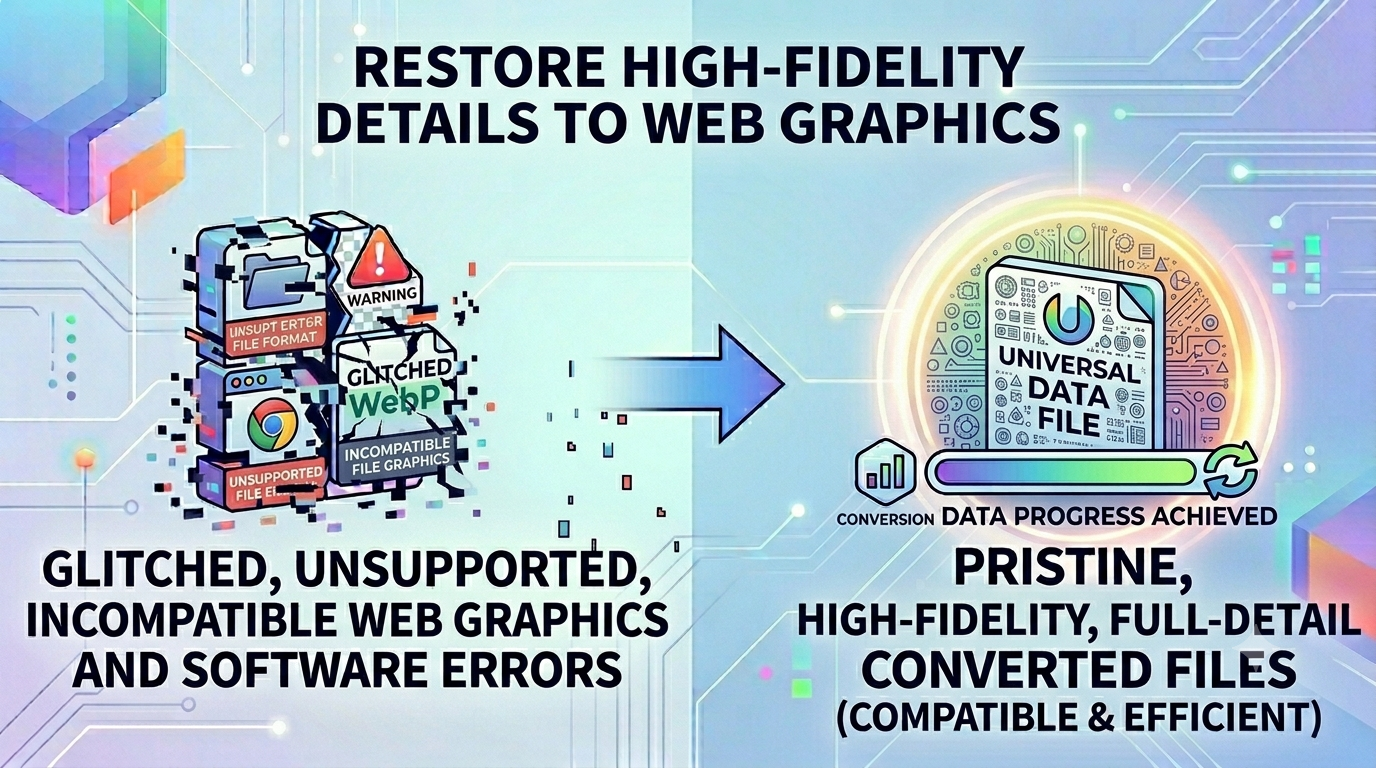
How to Restore High-Fidelity Details to Web Graphics
The Editing Barrier: How to Restore Transparency Vectors with WebP to PNG
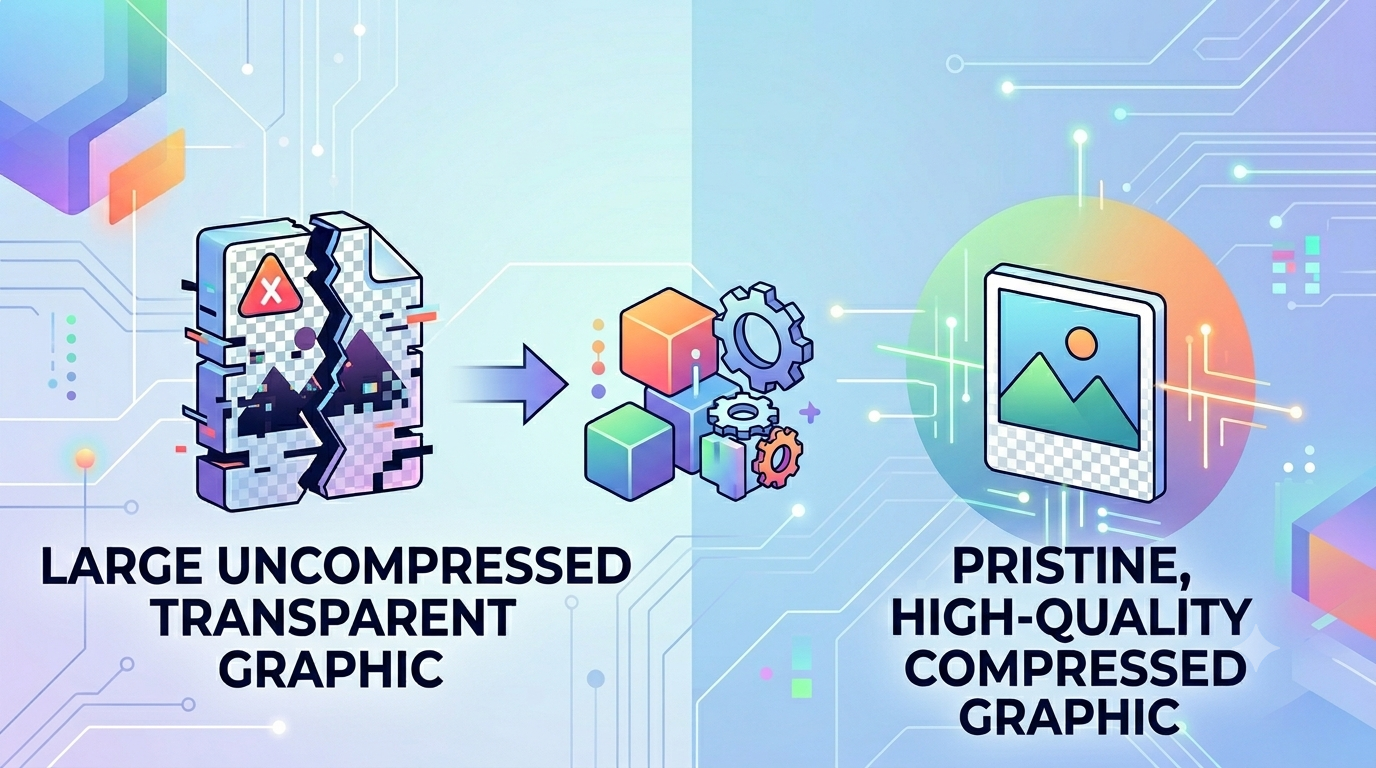
Modern web browsers use highly compressed, next-gen image formats to load pages as quickly as possible. However, when you download these files to use in local creative workflows, you often hit a major technical wall. Many offline editing tools, professional design applications, and video post-production environments still struggle to import or edit these web-optimized files properly. Designers and editors frequently need to convert these assets back into uncompressed, high-fidelity files to edit alpha channels, tweak vector paths, and maintain premium presentation standards.
The Production Challenge: Why Web File Conversion is Necessary
Trying to edit web-optimized graphics directly often creates frustrating bottlenecks for creative teams. These highly compressed formats are built for fast display performance, not for heavy multi-layer editing. This is where a professional WebP to PNG tool becomes essential. Converting web graphics back into standard lossless assets restores full pixel-by-pixel editing control, making it easy to adjust transparent layers and modify design elements across all editing suites.
The Real Problems Faced by Digital Designers
Working with compressed web formats in local design pipelines often reveals several common production issues:
- Software Import Failures: Many popular video editors, motion graphics suites, and layout applications will throw errors or refuse to import next-gen web files.
- Degraded Layer Control: Working with compressed graphic containers can cause color shifts and blur fine text details during multi-layer editing.
- Loss of Asset Fidelity: Saving files through low-quality converters can flatten transparency layers, ruining your complex design elements.
Using a high-fidelity WebP to PNG converter completely solves these workflow issues, restoring full editing compatibility without losing your original design details.
Common Mistakes to Avoid When Restoring Assets
Watch out for these frequent mistakes when converting your downloaded web assets:
- Using Low-Quality Server-Side Converters: Processing your files on random web servers can compromise your privacy and add unwanted artifacts to your graphics. Always look for local client-side tools.
- Converting Transparent Images to Flat Formats: Accidentally saving your files as JPEGs flattens your alpha channels, turning your clean transparent backgrounds into solid color blocks.
- Forgetting to Double-Check Edge Clipping: Using poor conversion tools can clip fine anti-aliased edge details, leaving ugly borders around your text and icons.
Restore Your Creative Workflow Safely
Converting your design files shouldn't mean compromising your data privacy. Simply open our free WebP to PNG tool dashboard, drop your web graphics into the interface, and expand your assets back into high-fidelity lossless files instantly right inside your browser window.
Frequently Asked Questions
Why do next-gen web graphics fail to import into my video editing tools?
Many desktop production applications lack the built-in plugins needed to read compressed web formats. Converting your files via WebP to PNG updates the container so it works perfectly in any editing suite.
Will converting a web file back to a lossless format restore its original quality?
Our tool uses high-fidelity extraction scripts to preserve every single pixel, color vector, and transparency layer from your source file perfectly.
Is it safe to process copyrighted brand assets using this online tool?
Yes, our tool handles your entire WebP to PNG workflow locally inside your browser view, ensuring your files never upload to an external cloud server.
Can I convert multiple web assets simultaneously to speed up my project?
Yes, our local interface fully supports fast batch processing, helping you convert large asset folders quickly.
Does this conversion process protect my transparent backgrounds?
Yes, our tool extracts alpha channel metadata perfectly, keeping your transparent layers clean and intact.
Do I need to pay or create an account to use these asset tools?
No, our entire workspace is 100% free with no premium locks, trial limits, or email registrations required.
Why is a client-side web tool faster than traditional online conversion portals?
By avoiding slow upload and download queues over the web, our tool processes your files instantly using your local browser engine.
Will the final converted files have watermarks or promotional branding?
No, your generated files remain completely clean and professional, with no watermarks added.
Can I run this asset converter tool on my smartphone?
Yes, the responsive design allows you to convert and expand your files smoothly on any device.
Can I use this image tool while working completely offline?
Yes! Once our web application loads in your browser tab, the WebP to PNG script can handle all your file conversions without an active internet link.