How to Fix Data Exposure Risks via Selective Page Extraction
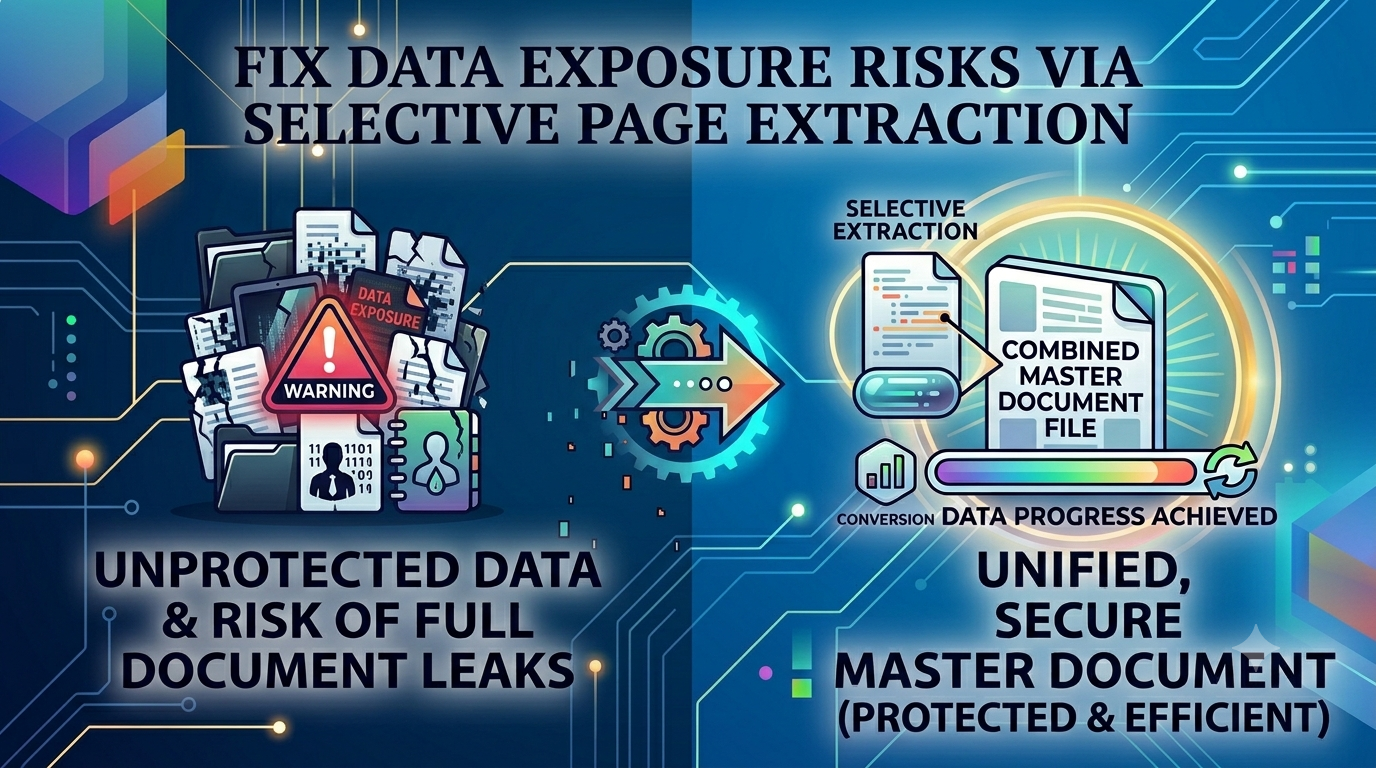
The Data Exposure Risk: Isolating Redundant Pages Safely with PDF Splitting
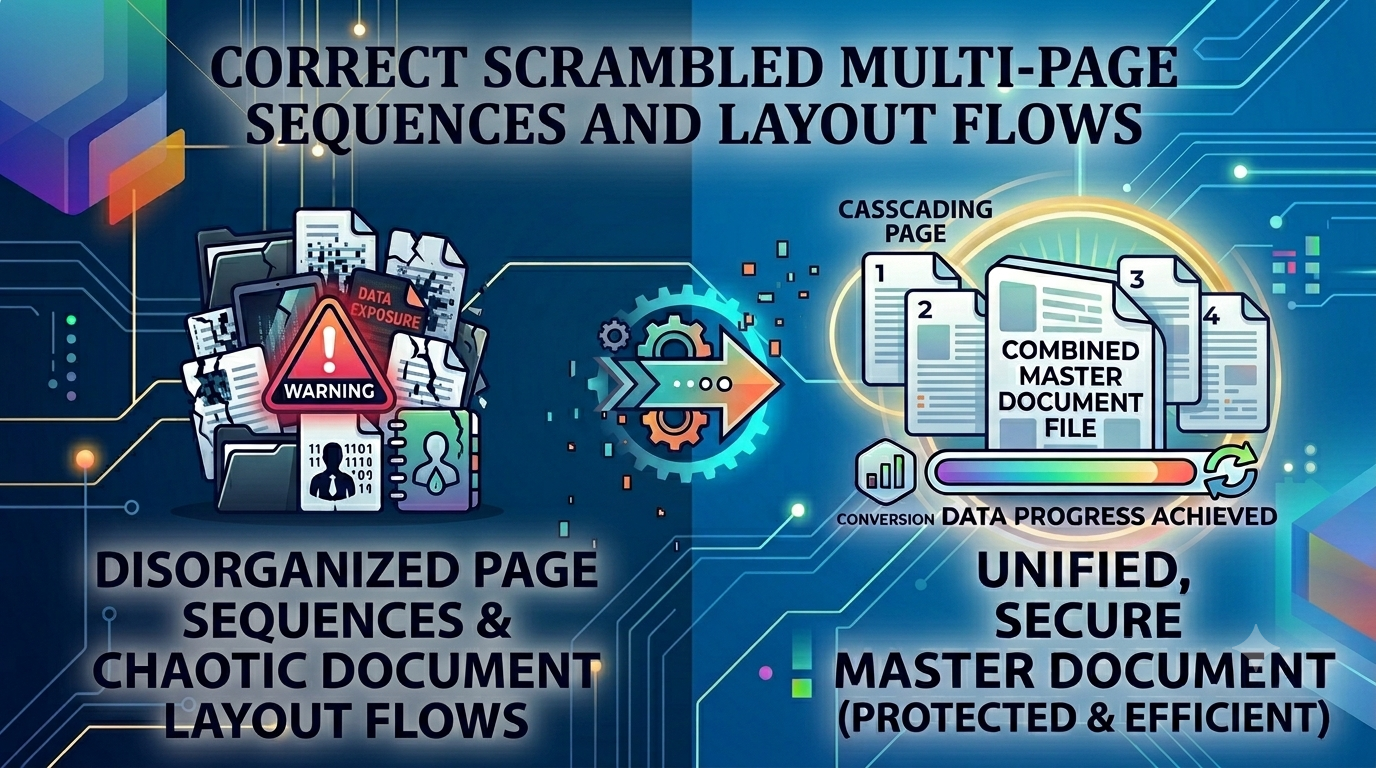
Multi-page PDF documents are perfect for archiving comprehensive records, but they create a major security headache when you only need to share a tiny fraction of that data. For example, sending a 100-page corporate financial record to an external vendor just to share a single invoice or project summary exposes your entire dataset to unauthorized eyes. This unnecessary data exposure can breach corporate compliance rules and leak private information. Resolving this issue requires an efficient way to extract specific page ranges and remove confidential data before sharing.
The Sharing Dilemma: Why Page Isolation is Essential
Sharing an entire multi-page document when only a few sections are relevant is a security risk and an operational bottleneck. It forces recipients to waste time searching through irrelevant text blocks, slows down communication, and consumes unnecessary network bandwidth. Utilizing a professional split PDF pages utility removes this bottleneck entirely, allowing you to slice heavy documents apart and isolate key segments into clean, compact, and highly targeted files.
The Structural Vulnerabilities of Large Document Packages
Distributing un-sliced document packages can cause several common business and data management problems:
- Accidental Corporate Leaks: Sharing multi-page summaries can easily expose hidden price charts, private user lists, or proprietary strategy details.
- Slow Loading Times: Forcing mobile teams to download massive multi-megabyte files over cellular networks causes frustrating lag and delay.
- Confusing Document Handoffs: Recipients often get overwhelmed by massive documents, leading to endless follow-ups just to clarify a single page.
Integrating a smart split PDF pages strategy safeguards your digital data, ensuring you distribute only the exact information needed for the task at hand.
Common Mistakes Users Make with File Decomposition
Avoid these typical errors when dividing your digital files:
- Passing Restricted Records to Public Extraction Servers: Using cloud-based file splitters sends your secure business records directly to unknown servers, risking major leaks. Always look for client-side processing tools.
- Typing in Wrong Extraction Ranges: Slicing files without checking page previews can accidentally cut off vital text lines or leave out critical signature fields.
- Using Low-Quality Workarounds: Trying to take screenshots of document pages degrades text sharpness, making fine print and numbers impossible to read.
Extract Your Data Segments Safely
Slicing your documents down to size shouldn't put your data privacy at risk. Simply navigate to our local split PDF pages workbench, select your target document, enter your specific page numbers or custom ranges, and extract your files instantly right inside your browser window without ever touching an external cloud server.
Frequently Asked Questions
Why is sending an entire multi-page document considered a corporate compliance risk?
Sharing full documents exposes confidential data like internal pricing or private user lists to external eyes. A dedicated split PDF pages tool prevents this by letting you share only the exact sections needed.
Is it safe to split highly confidential financial reports using this online tool?
Yes, our tool runs entirely client-side inside your browser sandbox. This ensures your sensitive business records are processed locally and never sent to a cloud server.
Can I extract a custom range of pages from the middle of a document?
Yes, our interface lets you type in specific page numbers or select precise custom ranges to split apart instantly.
Will dividing a large document break my internal links or text structures?
No, our engine slices the file layout cleanly without modifying font packages or altering internal vector data.
Is there a file size limit when uploading large documents to split?
Because our extraction tool uses your device's local memory and CPU, it handles massive documents smoothly without server timeouts.
Do I need to register an email address or buy a subscription to use this tool?
No, our entire workspace is 100% free with no hidden charges, trial locks, or account setups required.
Will the extracted output files have watermarks or promotional branding?
No, all your generated document snippets remain clean, professional, and free of any watermarks.
How fast can the tool split a hundred-page document?
By avoiding slow server upload queues, our client-side tool splits your files almost instantly—usually in under a second.
Can I use this file slicing tool on a mobile smartphone?
Yes, the adaptive interface works perfectly across all modern mobile browsers on iOS and Android.
Can I split and extract files while working completely offline?
Yes! Once our website loads in your browser, the split PDF pages engine can handle your entire workflow without an internet connection.